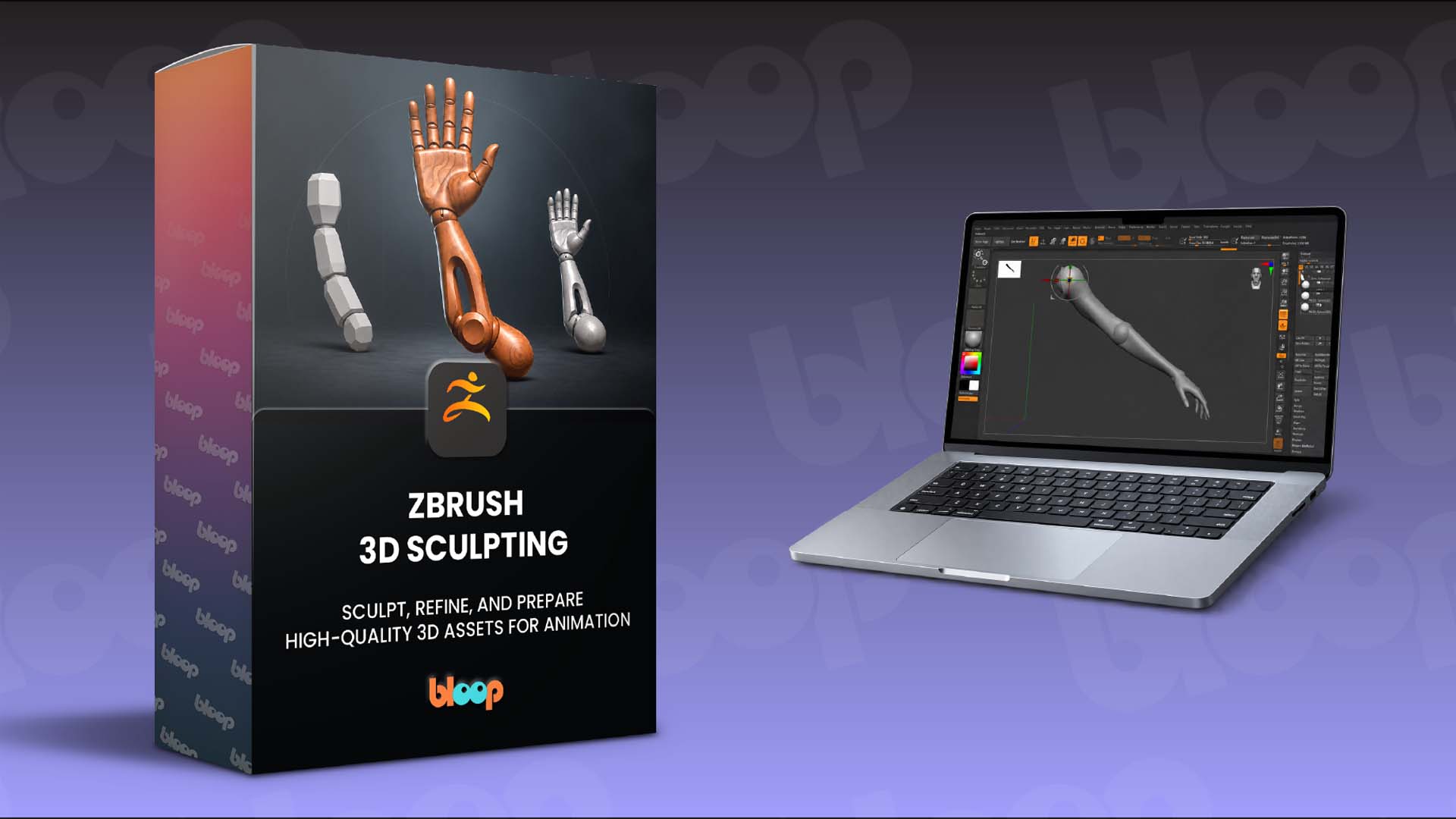
Our new ZBrush 3D Sculpting course is coming on Thursday 24th. Here’s everything you need to know:
Launch date: Thursday 24th September 2026
Launch price: $67 for the first 3 days
Discount Code: BLOOP
After that, it goes up to $97 – and stays there.
What’s inside?
1. Getting Started with ZBrush
We begin with the essentials, covering the ZBrush interface, navigation, SubTools, Dynamesh, project organization, and the core brushes you’ll use throughout the course. You’ll also complete simple sculpting exercises to get comfortable with the software before moving into the main project.
2. Reference Gathering & Design
Learn how professional artists collect and analyze references before they start sculpting. You’ll explore anatomy, proportions, materials, silhouettes, and functional design, building a reference board that will guide your decisions throughout the project.
3. Blocking Out Your Sculpt
Start building the primary forms using simple shapes, focusing on proportion, silhouette, and shape language before adding detail. You’ll also learn how to think about the model as a collection of separate components rather than one solid object.
4. Creating Functional Parts
Explore masking, extracting geometry, splitting parts, and shaping individual components with tools like Mask Lasso, Extract, Inflate, Move, and Gizmo 3D. You’ll learn how construction and articulation influence the way an asset is designed for animation.
5. Sculpting Materials & Refining the Design
Build believable stylized surfaces while developing secondary forms, material transitions, readability, and design hierarchy. You’ll work with essential tools including DamStandard, Clay Buildup, Trim Dynamic, HPolish, Pinch, and Smooth as your sculpt becomes increasingly refined.
6. Preparing Your Asset for Production
Finish by cleaning and organizing the model using ZRemesher, PolyGroups, Decimation Master, Gizmo 3D, and other production-focused techniques. You’ll prepare the final asset for export while learning how good mesh organization supports a smoother production pipeline.
What You'll Achieve
By the end, you’ll have followed a complete ZBrush sculpting workflow from initial reference gathering and blockout through refinement, cleanup, and final export. You’ll walk away with a portfolio-quality finished project and a deep understanding of how 3D assets are designed with both creativity and production requirements in mind.
Further details on ZBrush 3D Sculpting to follow.
Become an All-Access Pass member to get the course as soon as it launches. |