 |
|
Aug 24- First Day of School
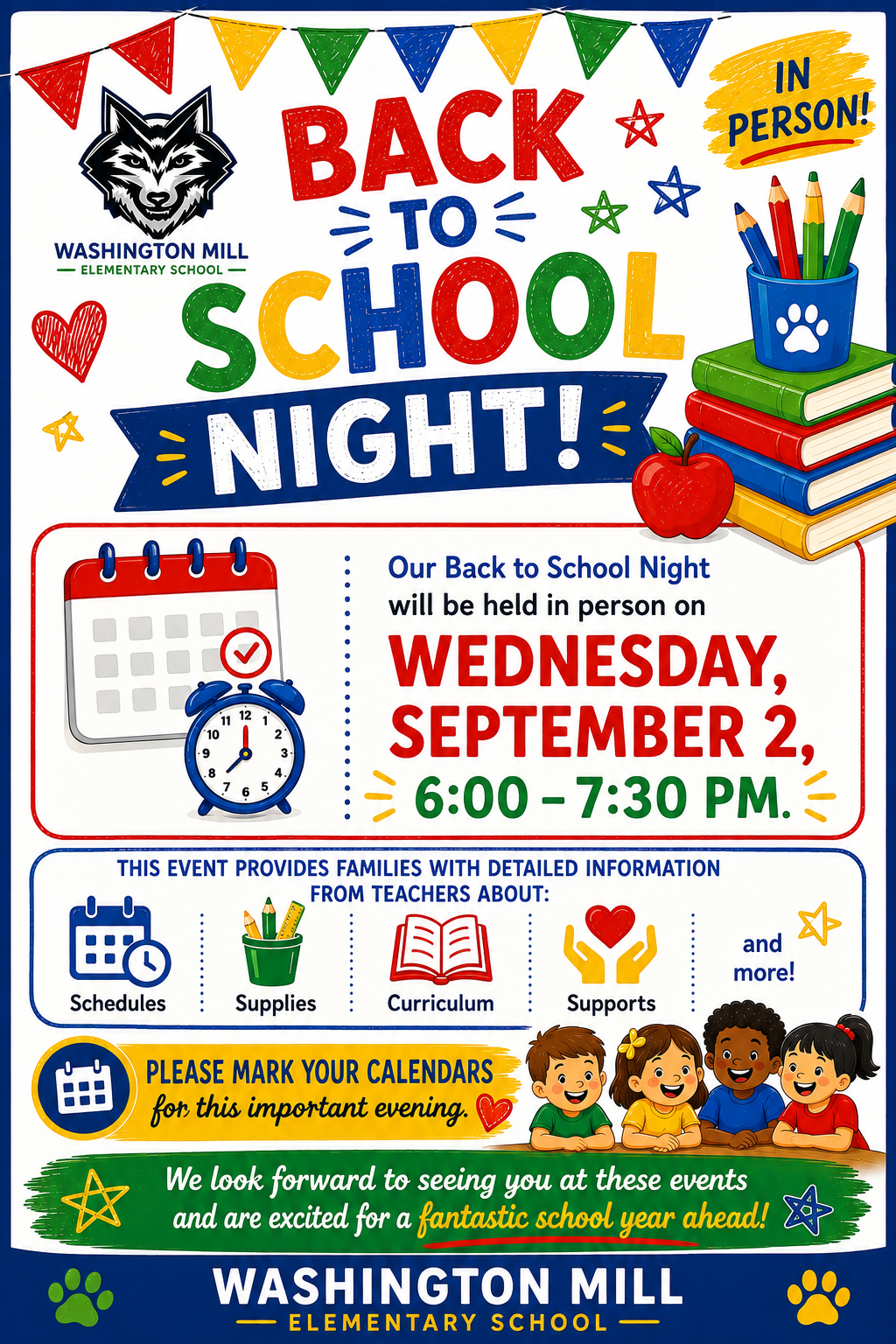
Sept 2- Back to School Night @ 6:00 -7:30 PM
|
Student ID Cards for Washington Mill ES Bus Riders
We will begin distributing student ID cards to all our students who ride the school bus or use FCPS transportation services.
We will distribute student bus ID cards to Bus Riders Only on Monday, August 24, before afternoon dismissal.
Students who have student ID cards should begin tapping as they board and exit the bus. Only students who use FCPS transportation services will be provided with a student ID card at this time.
We ask for your patience! Bus drivers will begin checking in students next week and may need some extra time at each bus stop while they do this. The transportation team is working hard to minimize any potential delays.
Learn more about the bus navigation and student ID cards.
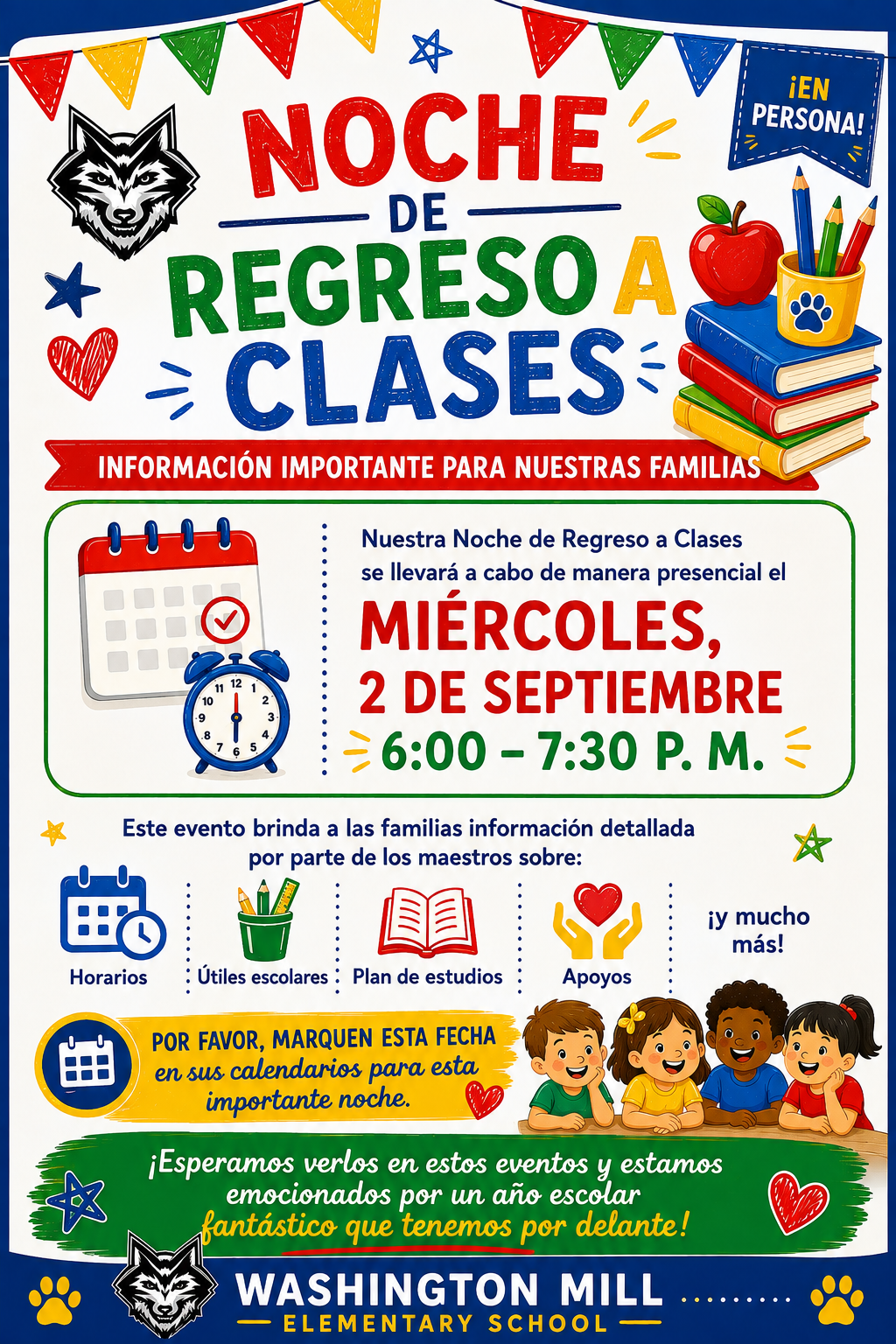
Join us for Back to School Night on Wednesday, September 2, from 6:00–7:30 p.m. at Washington Mill Elementary! This in-person event is a wonderful opportunity for families to connect with teachers and learn about the exciting year ahead.
During the evening, teachers will share important information about classroom routines, daily schedules, curriculum, school supplies, student supports, and ways families can partner with us to ensure a successful school year. Whether you're new to Washington Mill or returning for another great year, Back to School Night is an important opportunity to build strong home-school connections.
We look forward to seeing you as we work together to help every student grow, learn, and lead. Please see the flyer below for additional details.
You Can Manage Student Web Access at Home
At Washington Mill ES, we acknowledge that parents are our students' first and most important teachers. Parents now have greater control over their child’s FCPS-issued device outside of school hours through Lightspeed Parent Portal.
In addition to monitoring weekly internet activity, parents can now also customize web access at home on FCPS devices through Lightspeed using Schedules and Web Rules.
With Schedules, you can set tailored times to automatically pause or restrict internet access. This makes it easier to enforce rules around homework time, family dinners, weekends, or bedtime.
In Web Rules, you can create Custom Block Lists to block specific, individual websites they do not want your child accessing at home. This allows parents greater control over what is happening online, under their own roof.
These new custom controls take effect at home, outside of school hours, and when the device is off the FCPS network. They will not override standard district filtering policies during the instructional day.
Customize Your Lightspeed Settings
All parents should be receiving weekly Lightspeed Online Student Activity Report emails. To set up these new features, click the “Log in or Register” button at the bottom of your weekly Lightspeed Online Student Activity Report email.
Visit the FCPS Lightspeed Parent Portal Guide for more information. If you have additional questions, submit a Parent Technology Support Ticket.
Parents are encouraged to discuss internet boundaries with their children so that they can understand the reasoning behind any limits and the differences between access at home and at school. Get tips on talking to your children about technology safety.
|