|
English | Español | አማርኛ | 中文 | 한국어 | Tiếng Việt | العربية | فارسی | اردو
Dear Stenwood Families,
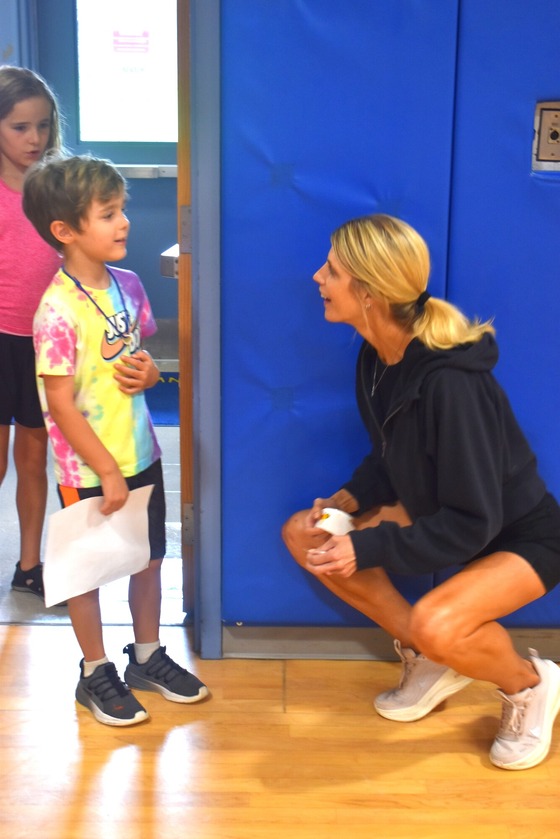
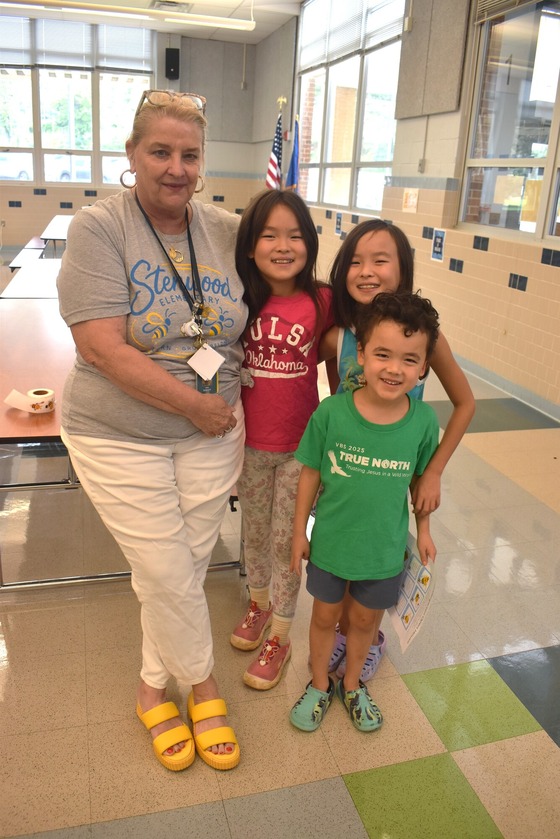
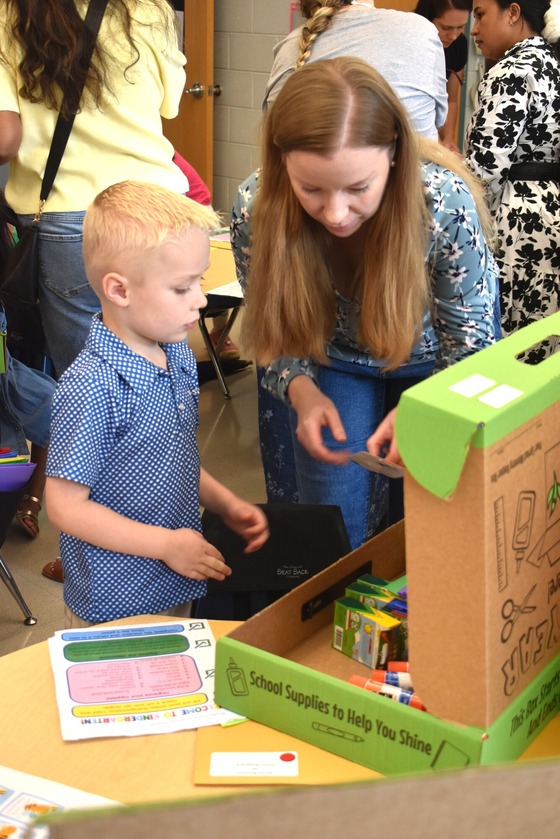
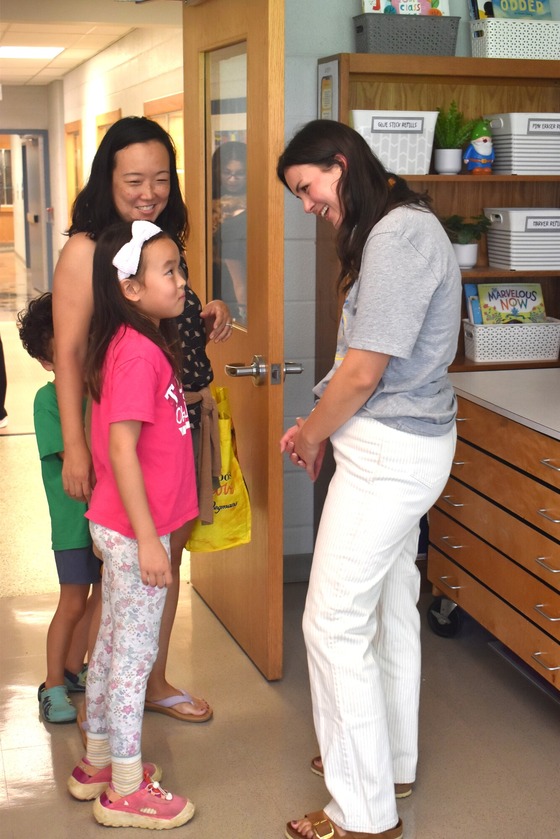
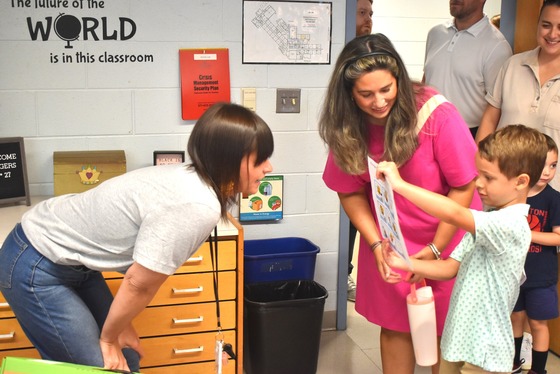
We loved welcoming our Stingers back yesterday! It is so wonderful to have the halls filled with laughter and smiles. We know Sunday night and Monday may be filled with lots of excitement and nervousness. Here are some final reminders to help everyone have a smooth first day of school on Monday.
Please start with your child’s normal transportation routine on the first day of school. This helps establish routines for everyone. Parents and guardians are welcome to walk your students to class on the first day and say a quick goodbye. Starting on Tuesday, we will have you wave goodbye from the exterior door. We will have staff available in the hallways to help any student in locating their classroom.
Bus Riders:
- If your child will be riding the bus this year, please send them on the bus on the first day. If you want to walk them to their classroom, please come to Stenwood after putting them on the bus and meet them.
- Make sure you arrive at the bus stop at least 10 min before the assigned time. The bus routes usually take longer on the first few days, so you may need to wait a bit longer than expected.
- The Police Department has been notified and parking will be allowed in the neighborhood during arrival on the first day of school.
- Please be courteous to our neighbors on Carnegie Dr.
In the afternoon…
- Kindergarteners must be met at their bus stop every day by a parent, daycare provider, designated adult, or a sibling that is at least in 7th grade.
- If one of these individuals is not at the bus stop/bus door, your child will come back to Stenwood and we will contact the parent to pick them up at school.
Walkers/Kiss N Ride:
Arrival:
-
8:20am: Kiss N Ride loop opens for both walkers and students arriving by car. There is no staff supervision before 8:20am.
-
8:30am: Students are allowed to enter the building each day. All students should arrive by 8:38am in order to make it to class on time. Students arriving at Kiss N Ride at 8:38 will be marked tardy.
-
8:40am: Class begins.
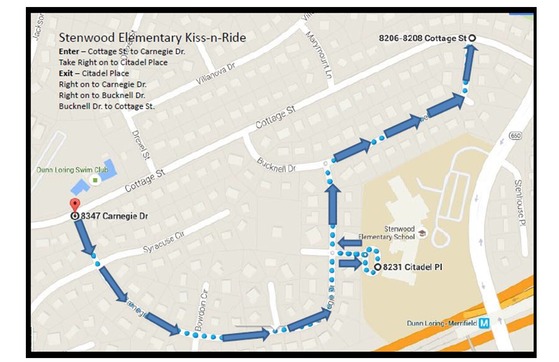
- Please follow the Kiss N Ride loop map below, only turn RIGHT into the loop and out of the loop
- Stenwood’s main entrance on Gallows is only for buses during morning arrival and dismissal.
-
Please do not park in the Kiss N Ride loop and exit your vehicle. Students should only exit on the passenger side of the vehicle.
- There is a crossing guard assigned to the Kiss N Ride intersection, please follow their instructions.
Dismissal
- If you are walking to meet your child, please wait on the blacktop near the basketball hoops along the back fence. The sidewalk needs to stay clear to allow our walkers and Kiss N Ride students a clear path.
- 3:20pm: Kindergarten students are dismissed to help connect our youngest students with their parents (walkers) before everyone comes out.
- Kindergarten parents (walkers) need to connect with the Instructional Assistant for your class to have your child dismissed.
- Please let the line get settled before you approach the line. The Instructional Assistants need to confirm that each child is being dismissed to the correct adult.
- 3:25pm: Dismissal for students in 1st - 6th grade.
- Please place the Kiss N Ride sign that was in your first day folder on the passenger side of your dashboard, so staff can clearly see it.
- Students may not stay on the playground at the end of the day without parental supervision and/or being picked up first.
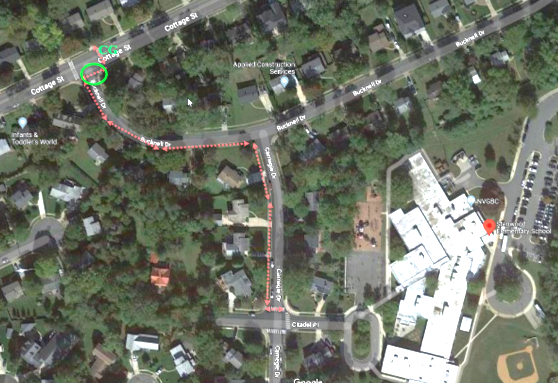
- Please see the Safe Routes to School route for our walkers on the map below.
Special Transportation (Private after-school activities):
If your child(ren) will be taking a van or bus after school for a private after-school activity, please let our office know before the first day of school, StenwoodES.Transportation@fcps.edu.
Beyond the Bell (Formerly SACC): Students will be released from Beyond the Bell in the morning and sent to Beyond the Bell in the afternoon.
School Lunch Information
Families are welcome to join their students for lunch, you just need to check in at the front office. We encourage families to let students have a few weeks at the beginning of the year to develop their independence and new friendships.
We hope everyone has a great weekend and gets to bed on time on Sunday! We will see you Monday morning! We would love to see all your first day pictures! Send them our way or post them and tag us on Facebook and Instagram!
Below we have some additional information and reminders from earlier this week.

- Back to School Night - Reminder
- Early Release Wednesdays - Reminder - Response due 8/25
- Cell Phone and Smart Watch Policy - NEW
- New Student ID Cards and Bus Navigation System - Reminder
- Emergency Care Information
- Activating your SIS ParentVue Account
- Parent Digital Consent System - Reminder
- What is Schoology
- Stenwood PTA
Erica Riley, Principal
esriley@fcps.edu
Bryan Case, Assistant Principal
bgcase@fcps.edu
Back to School Night
Back to School Night on Wednesday, 9/2 from 6:00 - 7:30 PM
Please join your child’s teacher for Back to School Night. This session will focus on curriculum, specific grade level information, and Family Life Education information.
Here is the schedule for the evening:
Session 1:
6:00 - 6:40pm
* Transition Time: 6:40 - 6:50pm *
Session 2 (repeat of Session 1):
6:50 - 7:30pm
This is an adult-only event; we ask that you arrange childcare for your children so you can attend fully to the information being presented.
Early Release Wednesdays
Three-hour early release days for Stenwood ES are:
- September 30th
- November 18th
- January 13th
- April 7th
Read more about early release Wednesdays on the FCPS website. Directions for how to indicate your childcare needs are below. Please complete by August 25th.
Opt In/Opt Out for ERW Childcare
We anticipate most students will be dismissed at 12:30, like last year. However, we recognize that some families may require childcare during the limited Early Release Wednesdays; these students will be supervised by instructional assistants. No new instruction will take place as after-school care is strictly supervision.
Directions to Indicate your Childcare Needs for ERW
Log in to ParentVUE to review and provide your choice for Early Release Days Child Care.
⇒ No, I have childcare arrangements on Early Release Days and do not require childcare
⇒ No, My child is enrolled in afternoon SACC
⇒ Yes, I require childcare, and my child will stay at school until the normal dismissal
FCPS Cell Phone and Smart Watch Policy
FCPS' cellphone expectations for students help foster engagement, learning, and positive social behavior in the classroom.
SB108 is a new Virginia law that went into effect on July 1, 2026 and states that all schools in the state must follow a "bell-to-bell" phone-free policy. This means that cellphones, phone accessories, and all smart devices (including watches that serve a dual purpose, such as smart watches, as well as airpods, earbuds, headsets, smart glasses, and other other items connected to the internet) must be off and personally stored (i.e., backpacks) for the duration of the school day: bell to bell.
Learn more on this updated FCPS “bell-to-bell” cellphone policy.
New Student ID Cards and Bus Navigation System
FCPS is launching a new bus navigation system, which includes student ID cards for students who ride the bus. Students will use the cards to tap on and off the bus, helping FCPS and families know exactly which students are riding which buses.
Learn more about the new system and how it will improve route efficiency, safety, and transparency with families. Check out the frequently asked questions for families.
Emergency Care Card Form
Emergency Care Card Forms are important in helping us contact you in case of an emergency. Parents can help by assuring that the school has the most up-to-date information.
Please update any information by using the ParentVue/Online Verification Update system. To read more about the OVU, visit the OVU page on the FCPS site. To access your ParentVue to update/verify, visit the ParentVue Login page.
Emergency Care updates are due the first day of school.
Activating Your SIS ParentVUE Account
The SIS (Student Information System) ParentVUE Account is an online tool parents can use to access information about their child’s attendance, report cards, discipline incidents, health information, and more. In ParentVUE, you can also view student progress reports/report cards and SOL scores.
Your secure SIS ParentVUE Account offers you the ability to use one username/password to login to both the SIS ParentVUE Account and Schoology.
Using the SIS ParentVUE account, parents will also be able to view school information, including teacher e-mail addresses, the FCPS calendar, and emergency contact information. Visit the FCPS website and use the search function and keywords “SIS Parent Overview” for more information.
Many of our Stenwood families have already activated your SIS ParentVUE account with the activation key. If you are unable to login to your account, you may need to reset your password on the SIS Parent Account login page (https://sisparent.fcps.edu):
- Select the “Forgot Password” button.
- Your username is the primary email address you have on file with us in our Student Information System.
- More information is available here.
Newly enrolled families should have received an activation key for your account. If you have not yet activated your account, please reach out to Michelle Burke (mpburke@fcps.edu) or Brian Spector (bmspector@fcps.edu).
Please take action now to ensure your account is active, so that you won’t miss a beat!
Parent Digital Consent System
Again this year, families will use the Parent Digital Consent System to complete some forms that have used paper in the past. You will log in using your ParentVUE Account credentials, there, you will be able complete the Digital Resources Consent form for the school year, which is required for all students. You will also be able to find more information about opt-out forms and complete those forms for your student.
What Is Schoology?
Teachers can use Schoology to post their classroom materials online; to provide a safe forum for students to discuss their ideas and collaborate on projects; and to assign and collect homework electronically. |
|
 |
 Parent Accounts
A Schoology Parent Account gives you access to:
- Your child’s upcoming assignments (note: Parents can not see FCPS Google Workspace items using their parent account)
- School, class, and group announcements.
Parent accounts will be available in mid-August. To access Schoology, parents will need to have an active SIS/ParentVUE account.
More information on how to login and use Schoology is available online.
Stenwood Elementary PTA
We hope you join our amazing PTA! If you are interested in volunteering to be a class parent, volunteering in our cafeteria or library, OR just looking to stay connected with the great work of our PTA, you can fill out a survey that will be sent out once class placements have been communicated.
Stay Connected
Here are a few ways to stay connected with all the happenings at Stenwood ES
|
|
|
 |
|