Welcome! Finish setting up Flow |
|
|
|
Few minutes from accessing effortless voice-to-text |
You’ve already done the heavy lifting and downloaded Wispr Flow on your Mac. Now let’s finish setup so you can start using the power of voice. |
|
|
|
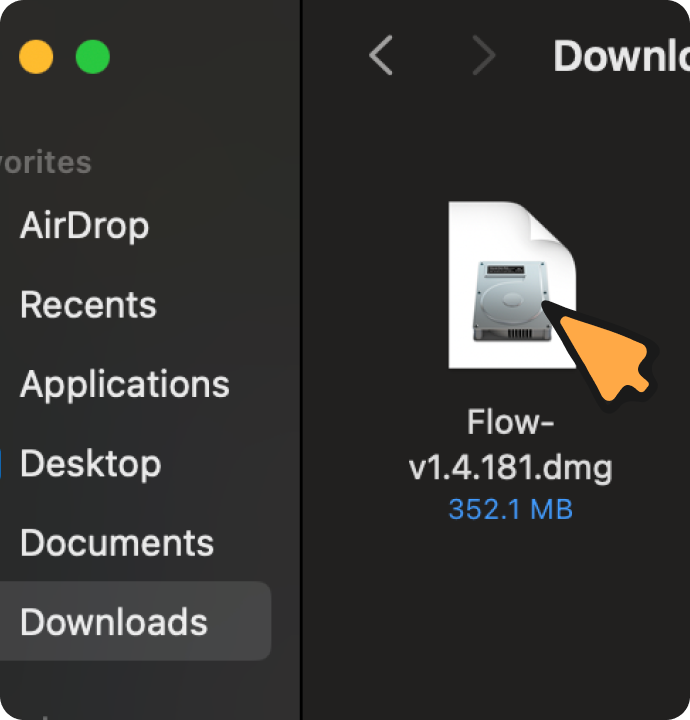
| Open Finder → Downloads, search for “Flow-”, and double-click the file. |
|
|
|
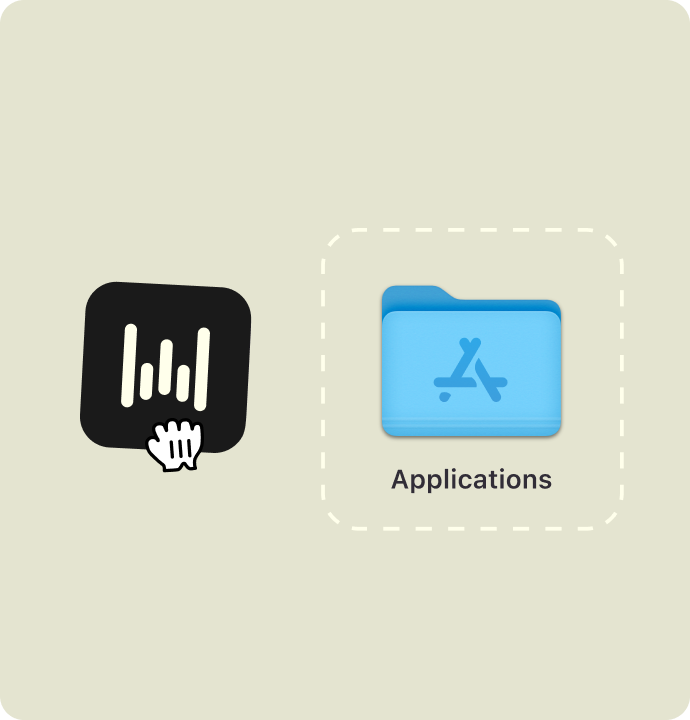
| Drag the Flow icon into your Applications folder. |
|
| |
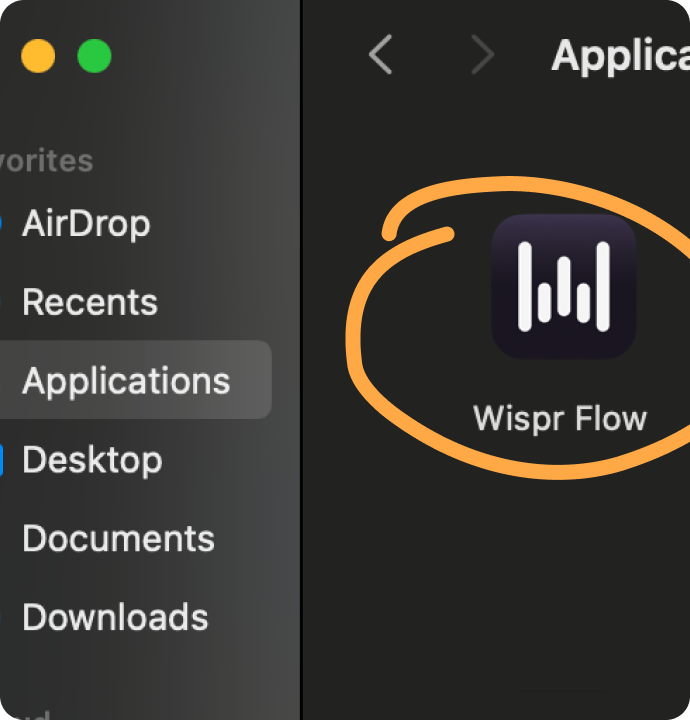
| Open Flow from your Applications folder to get started. |
|
|
|
|
©2026 Wispr AI, Inc.
444 Townsend St., San Francisco, CA 94107
|
|
|
|
|
|