|
 |
| |
Laplink PC Mover Professional |
You save 57%
off RRP
| Download version
Operating System: Windows® 11 (x64), Windows® 10 (x64)
|
|
Hello dupa niepodam!
|
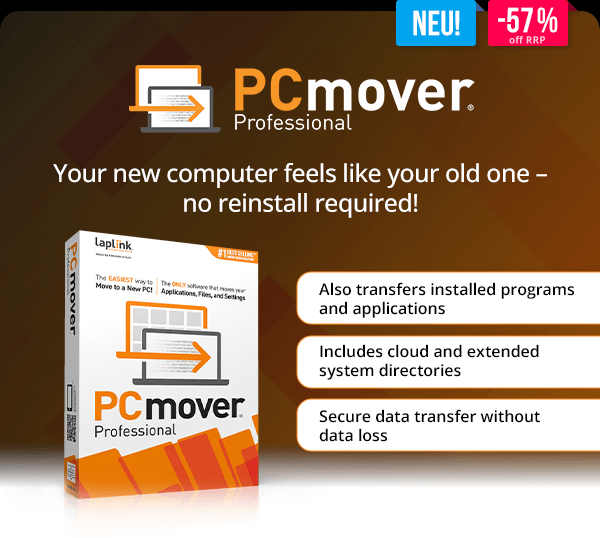
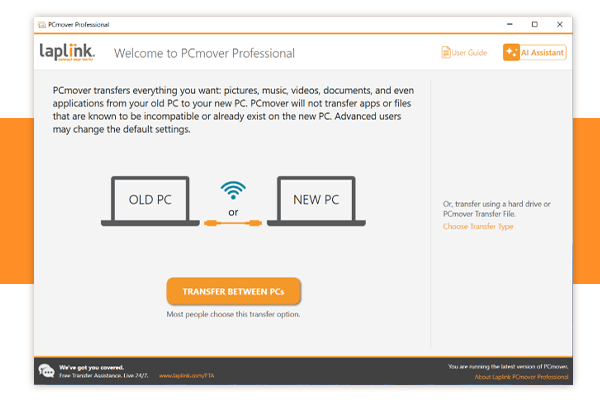
| With PCmover Professional from Laplink Software, your PC migration becomes even more comprehensive and flexible. In addition to files and settings, you can also transfer installed applications and benefit from advanced control options for more complex migrations. It’s the ideal solution for users who want to move their entire PC setup, including programs, to a new system 1:1. |
 |
| Features at a Glance: |
 | Simple step-by-step setup with no technical knowledge required | | Fast PC detection and direct connection between old and new devices | | Advanced migration control for customized transfers | | Optimized transfer speed for large data volumes | | Flexible target folder structure for greater control | | Wi-Fi Direct and optimized connection technologies for faster transfers | |
 |
| Keep everything – reinstall nothing |
| With PCmover, you fully transition to a new PC without losing your familiar working environment. All selected data is automatically transferred and set up on your new system exactly as before. No reinstallations, no manual configuration, and no data chaos – just turn it on and continue working. |
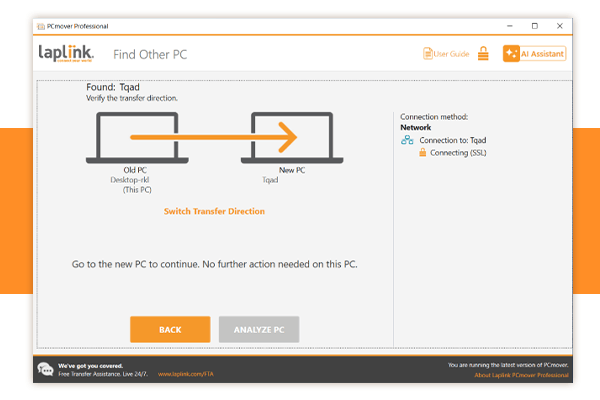
| The intuitive interface guides you step by step through the entire migration process. Once started, PCmover handles everything automatically in the background. Your data remains safely on the old PC while your new system becomes ready to use immediately. |
 |
| This makes switching to a new Windows PC fast, secure, and effortless – perfect for both personal and professional users. |
 |
| |
Laplink PC Mover Professional |
You save 57%
off RRP
| Download version
Operating System: Windows® 11 (x64), Windows® 10 (x64)
|