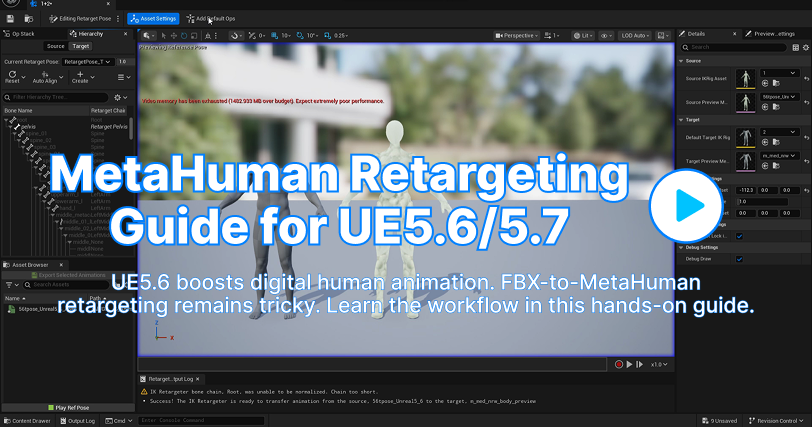
With the release of Unreal Engine 5.6, the efficiency of digital human animation has reached a new pinnacle. However, seamlessly retargeting FBX motion libraries to MetaHuman characters remains a critical hurdle for many development teams. To help you master this workflow, we’ve produced this definitive hands-on video guide.
|
This guide walks you through the process of retargeting FBX animations in Unreal Engine to a MetaHuman character. Follow these steps to quickly bring your UE animation files into MetaHuman and get them working seam
lessly. Master Retargeting in 6 Simple Steps:
|
Step 1: Create IK Rig Assets
|
Right-click in the Content Browser → Animation, and create 2 IK Rig assets (name them for future use).
|
Step 2: Import T-Pose Skeleton
|
Import the T-Pose source skeleton file.
|
Step 3: Configure Source IK Rig
|
Open the 1st IK Rig, assign the source (Mannequin) skeleton → Auto-Create
|
Step 4: Setup MetaHuman IK Rig (Target)
|
Open the 2nd IK Rig, and Auto-Create Retarget Chains for the MetaHuman skeleton.
|
Step 5: Align Poses in the IK Retargeter
|
Open the IK Retargeter, import the source/target skeletons, and align the T-Pose.
|
Step 6: Execute & Verify Export
|
Complete the retargeting process, then export and verify the animations.
|
Best regards,
QuickMagic Team
|
|