|
|
Hey Test
Customer service doesn’t always happen at a desk. Sometimes it’s a quick reply from your phone, sometimes it’s a personalized and automated reply from Lyro, while you’re out of office. Product releases from the last month let you move faster, automate more, and keep shopping assistance on point.
|
|
|
|
Reply faster on mobile with full control
|
|
|
|
|
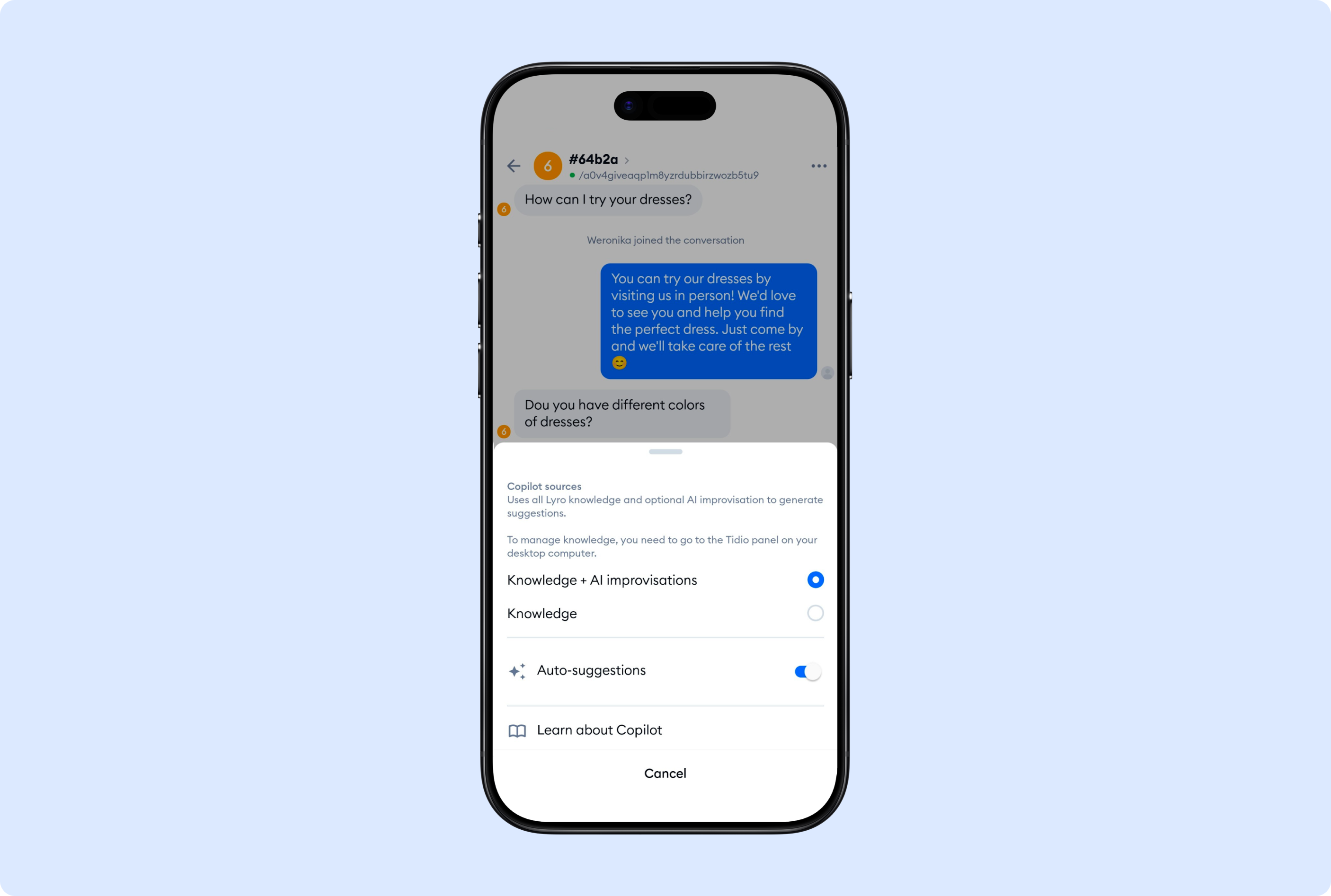
Copilot on mobile now makes it easier to trust what you’re sending. When Copilot suggests a reply, you can see whether it’s based on your Knowledge or an AI improvisation. That small detail helps teams move quickly without guessing if they should double-check the reply.
You can also manage Copilot settings directly on mobile, so the experience stays consistent even when you’re working between tasks.
|
|
|
|
Answer customer interactions on the go
|
|
|
|
|
|
|
|
Automate shopping assistance with WooCommerce integration
|
|
|
|
|
Once fast replies are covered, the next step is reducing how often your team needs to answer product questions at all.
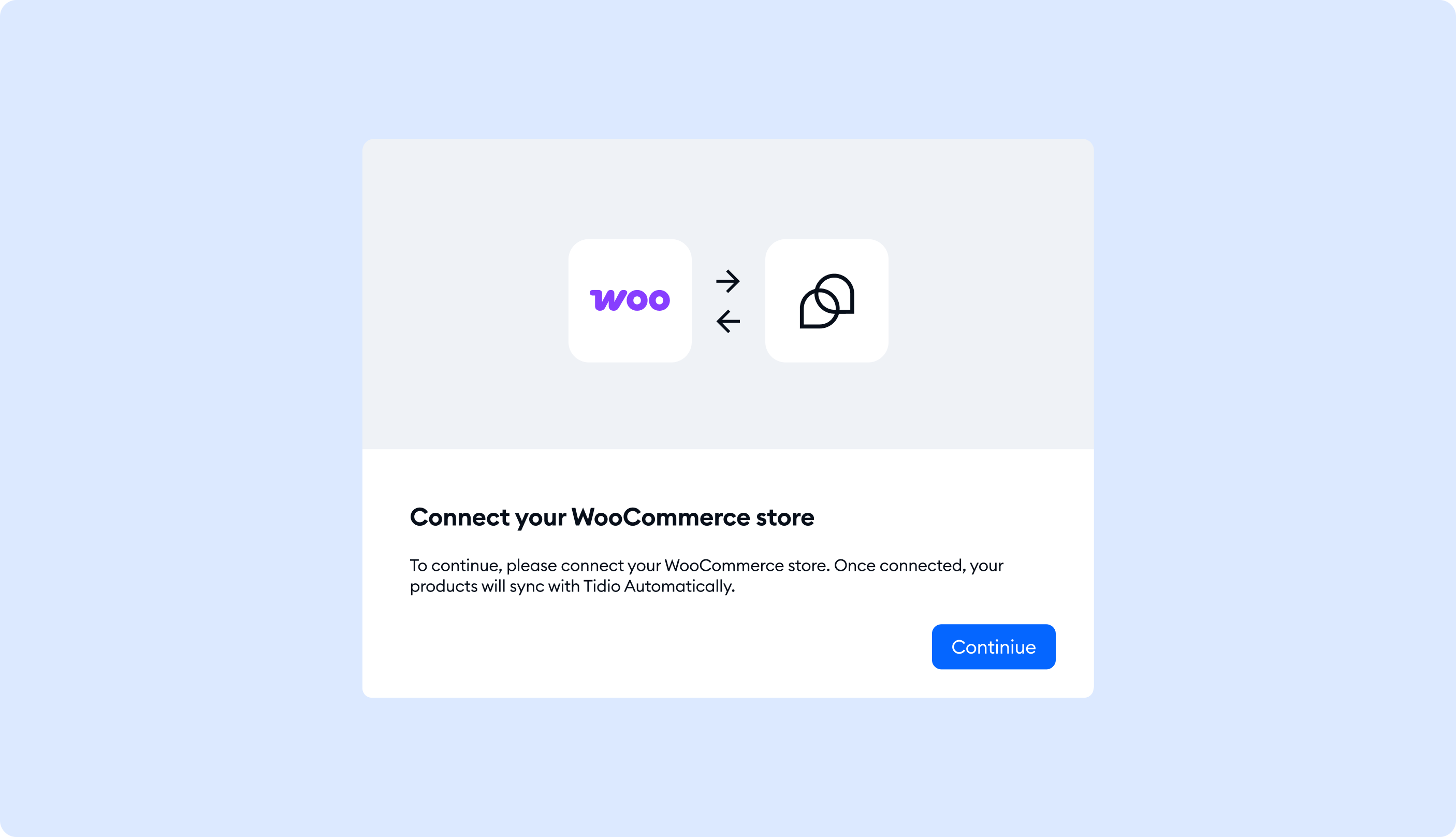
You can now sync your WooCommerce product database with Lyro and train it to become your Shopping Assistant—without complex technical setup. After the sync is complete, Lyro can use your product knowledge to handle product questions and provide tailored recommendations that align with what’s available in your WooCommerce catalog.
Where to set it up:
Lyro → Products → WooCommerce Product Sync
After syncing, you can review, resync, or remove products anytime from the panel. Read more here.
|
|
|
|
Sync product databases in 45+ languages
|
|
|
|
|
Product questions don’t only come in English—and your product base shouldn’t have to either.
Lyro can now understand and recommend products in 45+ languages. Product details are automatically translated, so your team doesn’t need to know every language to support global customers. This works whether you sync via Shopify, WooCommerce integration or API: Lyro learns product details (including multilingual descriptions) and uses them in the customer’s language when relevant.
|
|
|
|
Target Lyro Knowledge with Audiences for more relevant answers
|
|
|
|
|
As automation scales, guardrails matter more. Audiences let you decide who gets what information, without adding manual work for your team.
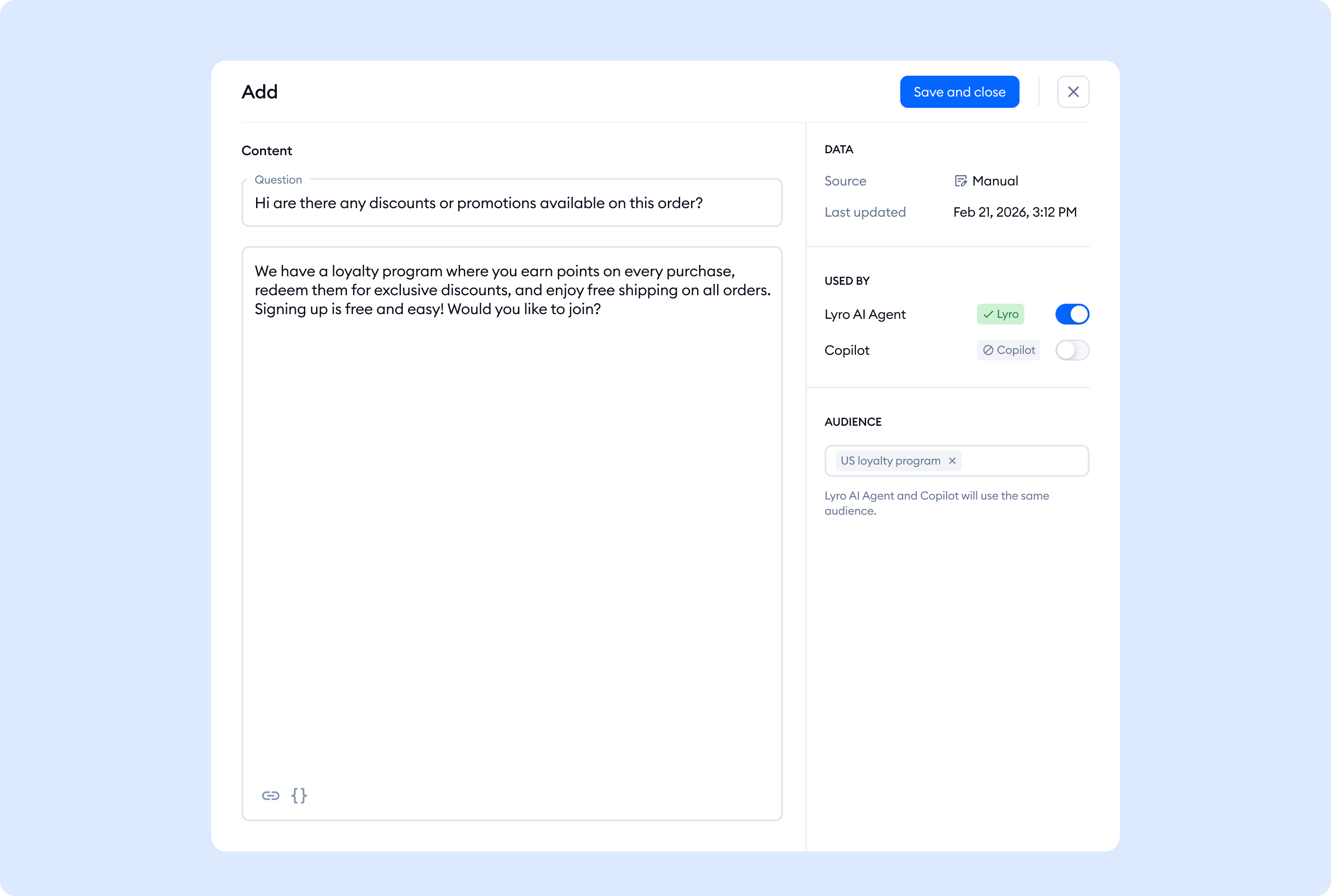
Lyro can adapt answers based on who it’s talking to, so targeted or sensitive information only appears for the customers you choose. Create user segments in Lyro → Configure → Audiences using conditions like name, country, or custom contact properties. Then, when you add a new data source, you can assign an Audience to control who can access that information—for example, making discount details available only to eligible customers.
|
|
|
|
Use Audiences to tailor Lyro behavior
|
|
|
|
|
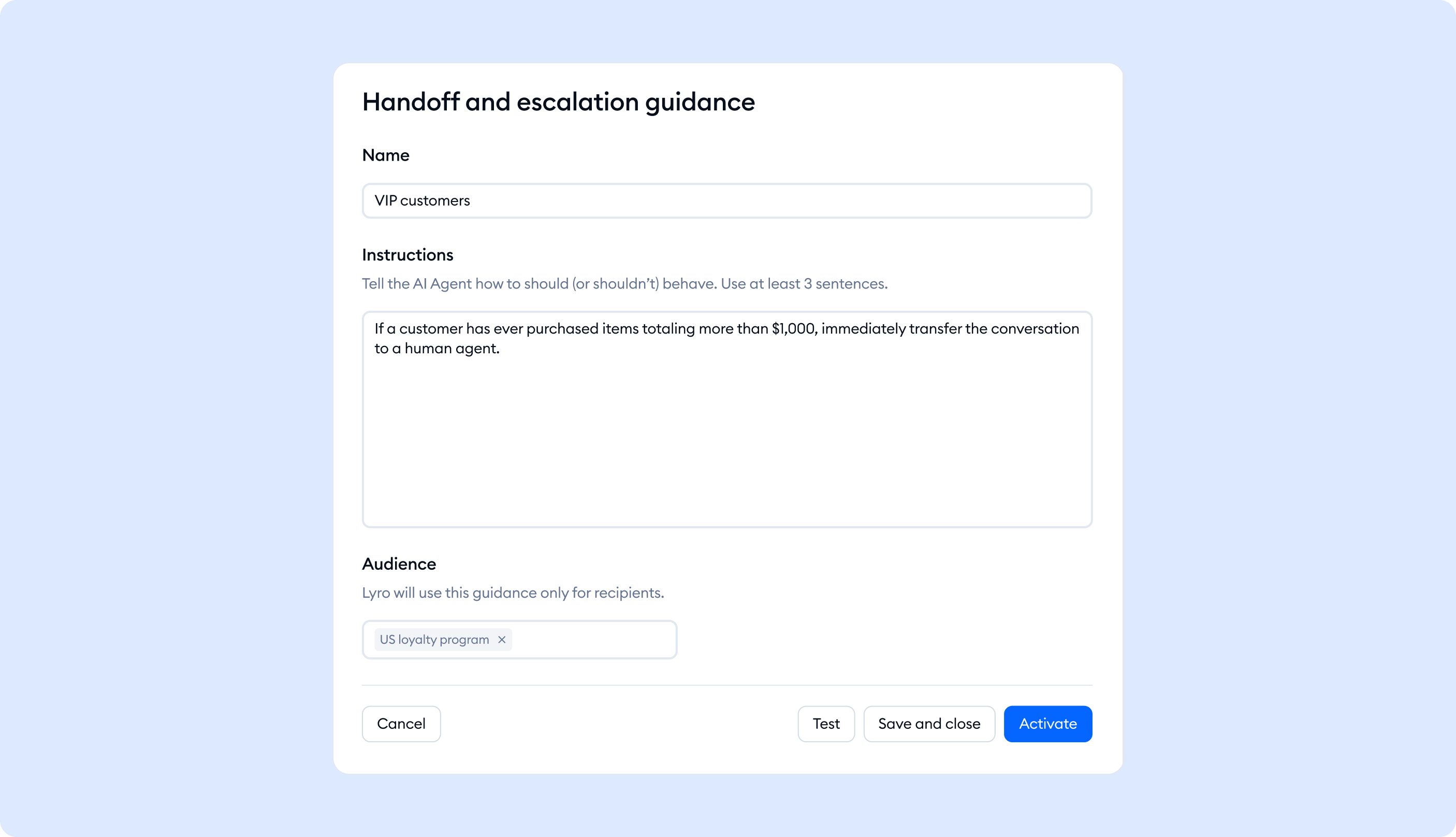
Audiences aren’t only for protecting sensitive info. They’re also a clean way to deliver the right guidance to different customer groups—automatically.
That means you can keep one support experience while adjusting the details depending on who’s asking. For example, customers in different regions can get region-specific delivery expectations, VIP customers can see premium support options, or new users can get more step-by-step onboarding instructions—without your team having to route tickets manually.
|
|
|
|