|
|
|
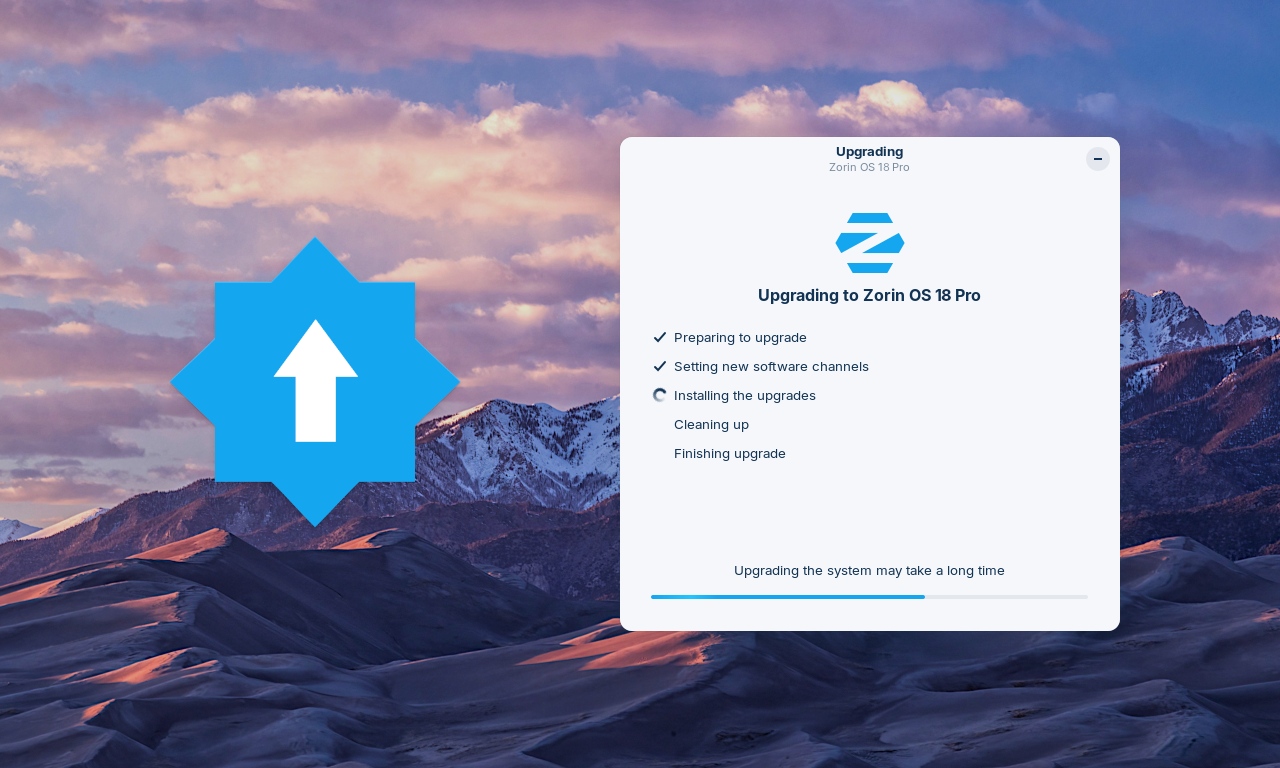
Upgrades from Zorin OS 17 to 18 are now available.
|
|
Upgrade directly and keep your existing files, apps, and settings. Available to all Zorin OS 17 Core, Pro, and Education users today.
|
|
|
We're excited to launch upgrades from Zorin OS 17 to 18 today!
|
|
|
|
If you're using Zorin OS 17, you can now upgrade your computer to Zorin OS 18 directly using the Upgrade Zorin OS app, without needing to re-install the operating system.
|
|
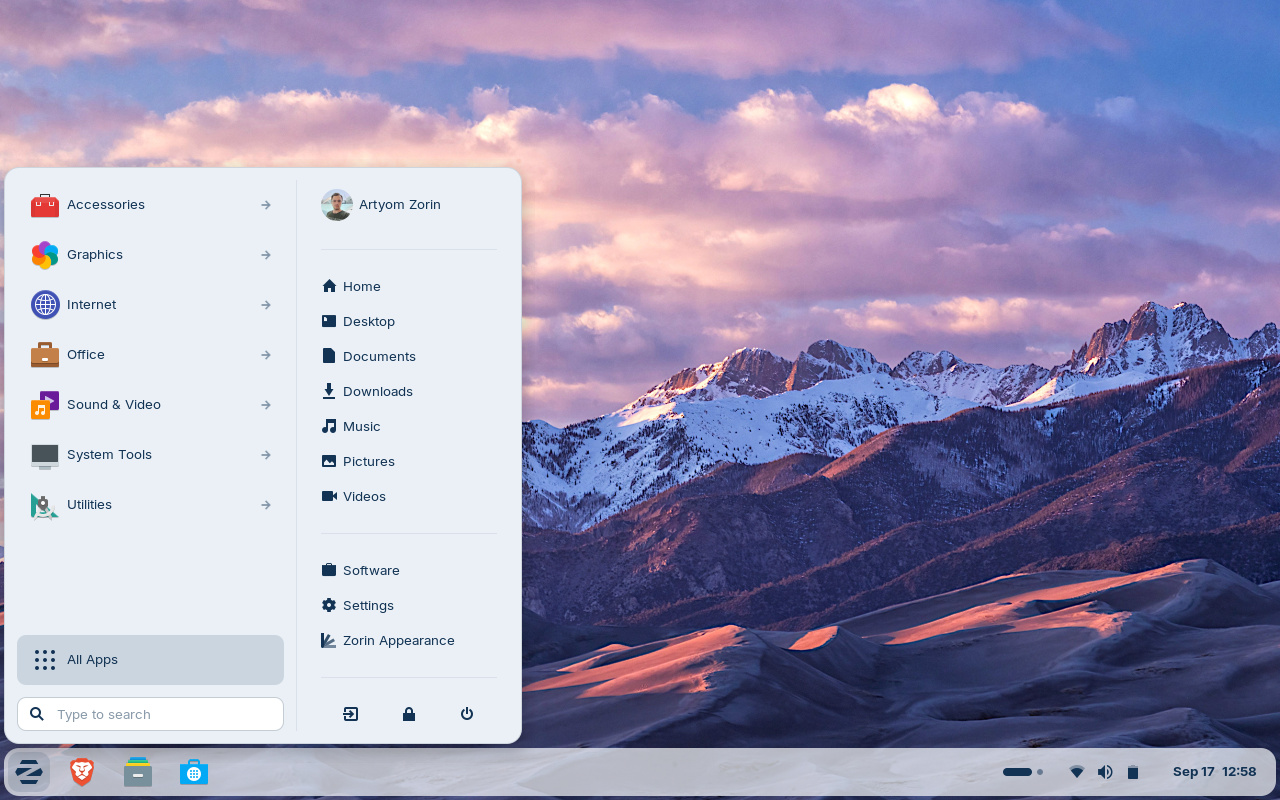
That means you'll be able to keep your files, apps, and settings, all while taking advantage of the new features and improvements in Zorin OS 18.
|
|
|
|
|
The response from users, tech reviewers, and creators about the Zorin OS 18 release has been incredible:
|
“All-in-all, the ZorinOS team has taken a great Linux desktop OS and made it even better.” — ZDNET
“[Zorin OS 18] is legitimately impressive… it's surprisingly capable and it might just save you from buying a new computer that you don't actually need” — Austin Evans
“Zorin OS 18 is very polished indeed and an excellent choice for those seeking to migrate from Windows…” — ExplainingComputers
“Zorin OS is a standout choice for ex-Windows users… It's one of the best free Linux variants that actually feels like Windows” — PC World
|
|
We're thrilled to finally make this major new version of Zorin OS available to the millions of existing Zorin OS 17 users today.
|
How to upgrade from Zorin OS 17 to 18
- To avoid data loss, please back up all important files on your computer to an external drive or cloud storage service. Learn how to back up your files ›
- Install the latest software updates by opening the Zorin Menu → System Tools → Software Updater and following the on-screen instructions.
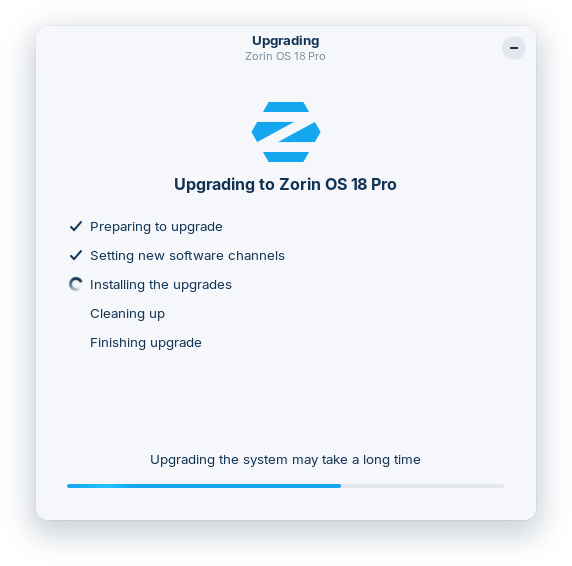
- Open the Zorin Menu → System Tools → Upgrade Zorin OS to start the upgrade process.
|
|
The upgrade to Zorin OS 18 is currently available to all users of the Zorin OS 17 Core, Pro, and Education editions. Stay tuned to our newsletter to be the first to know when the upgrade to Zorin OS 18 Lite will be available in the coming weeks.
|
Existing Zorin OS Pro customers are eligible for a discount on the new Zorin OS 18 Pro. To avail of this discount, select the "Zorin OS 18 Pro" option in the Upgrade Zorin OS app and enter your email address & the Support Code from your previous copy of Zorin OS Pro. Every purchase supports the development of Zorin OS and the Open Source ecosystem, for the benefit of all. |
Thank you to the testers
|
|
Finally, we would like to take this opportunity to thank all the users who tested this upgrade path. Your feedback has helped us to improve the stability and user experience of the upgrade process.
|
Upgrade to Zorin OS 18 Pro.
Unleash your computer with the best apps & most advanced features so you can do your greatest work.
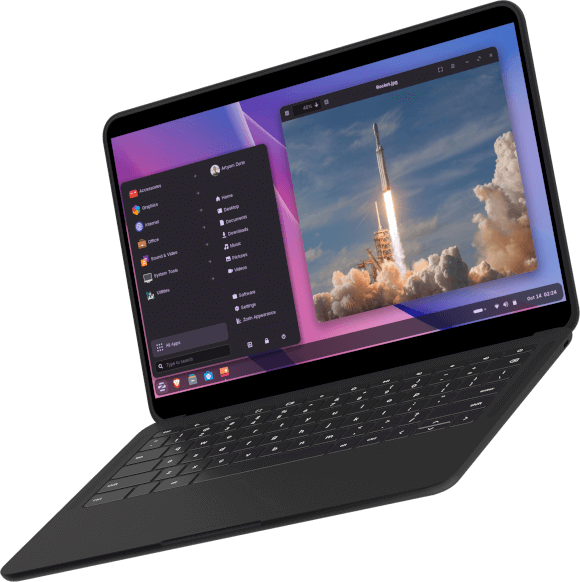
To upgrade, simply open the Zorin Menu → System Tools → Upgrade Zorin OS and select Zorin OS 18 Pro.
“Zorin OS Pro is very literally the best Linux operating system I have ever used”
“Did [Zorin OS Pro] save me money? You bet it did.”
“…installed Zorin OS Pro today. Bravo! You excelled very nicely above and beyond my prior Zorin OS Core”
“I paid for this OS and I never do that. I have to say it is worth every penny!”
|
|
|
|
Zorin OS Technologies Ltd.
Guinness Enterprise Centre, Taylor's Lane, Dublin 8, Ireland
|