Hi there,
Most 3D scanning failures don't happen in the software—they happen during the capture stage.
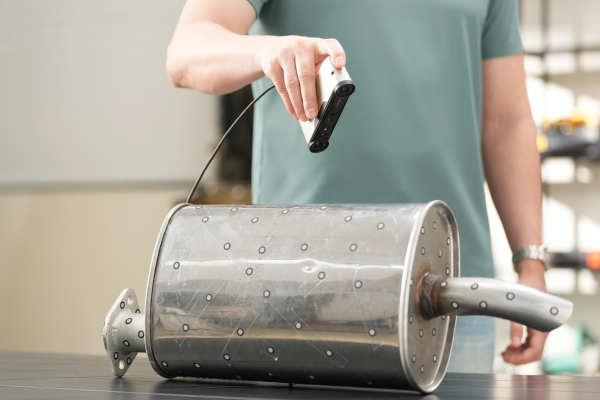
If you’ve ever dealt with tracking drifts inside deep cavities, softened edges due to wrong angles, or reflective surfaces corrupting your point cloud, you know how frustrating it is when you finally import that data into CAD.
|
|
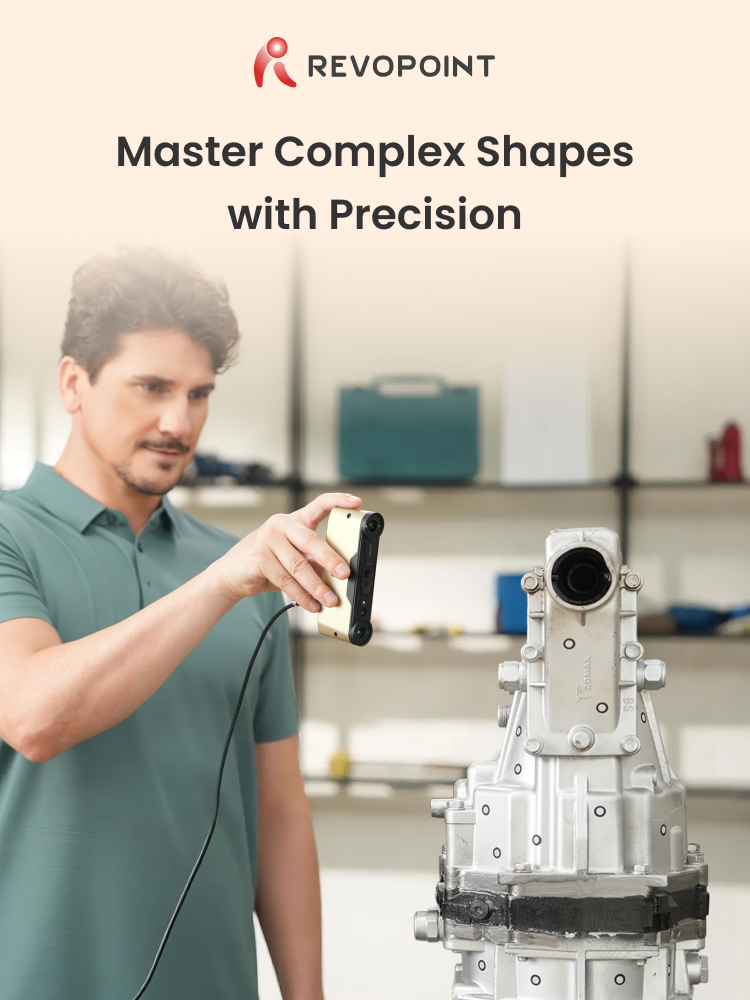
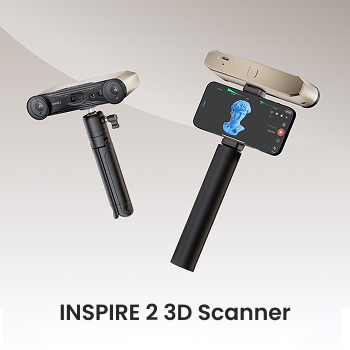
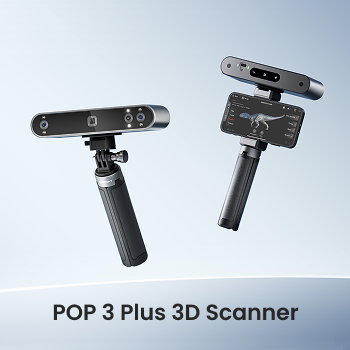
To help you turn challenging physical forms into precise digital models, we’ve compiled a field-tested guide based on real-world workflows with the Revopoint INSPIRE 2 and POP 3 Plus.
|
|
Key Highlights from the Guide:
- Mindset Shift: Why treating your scanner as a measuring instrument, not a camera, fundamentally improves accuracy.
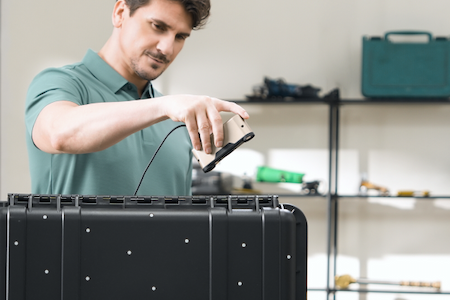
- The 3-Step Scan Path: Why you should always "lock" the outer geometry before diving into recesses and undercuts.
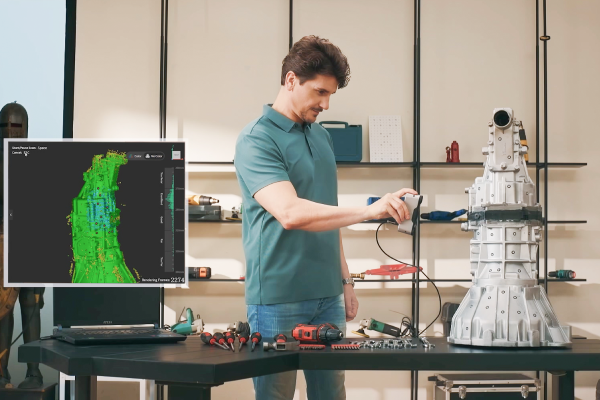
- Real-time Recovery: How to resume tracking effectively without restarting the entire scan.
- Post-Processing Discipline: Why "less is more" when it comes to mesh smoothing for dimensional reliability.
|
|
Whether you are in reverse engineering, quality inspection, or medical modeling, these techniques are designed to shorten your project timelines and reduce downstream correction work.
Got a complex object you’re struggling to scan? Reply to this email or join our community discussion—we’d love to help you optimize your workflow.
|
|
|
|
|