Top 10 FAQs About Revopoint 3D Scanners
|
|
Revopoint 3Dスキャナーに関する よくある質問 |
|
Got a question about Revopoint’s 3D scanners? There’s a good chance you’ll find the answer to it below in this list of the top 10 frequently asked questions about Revopoint 3D scanners. Scroll down and take a read; you might find the answer to your question or even learn something new. |
|
What’s the Difference Between Revopoint 3D Scanners? |
|
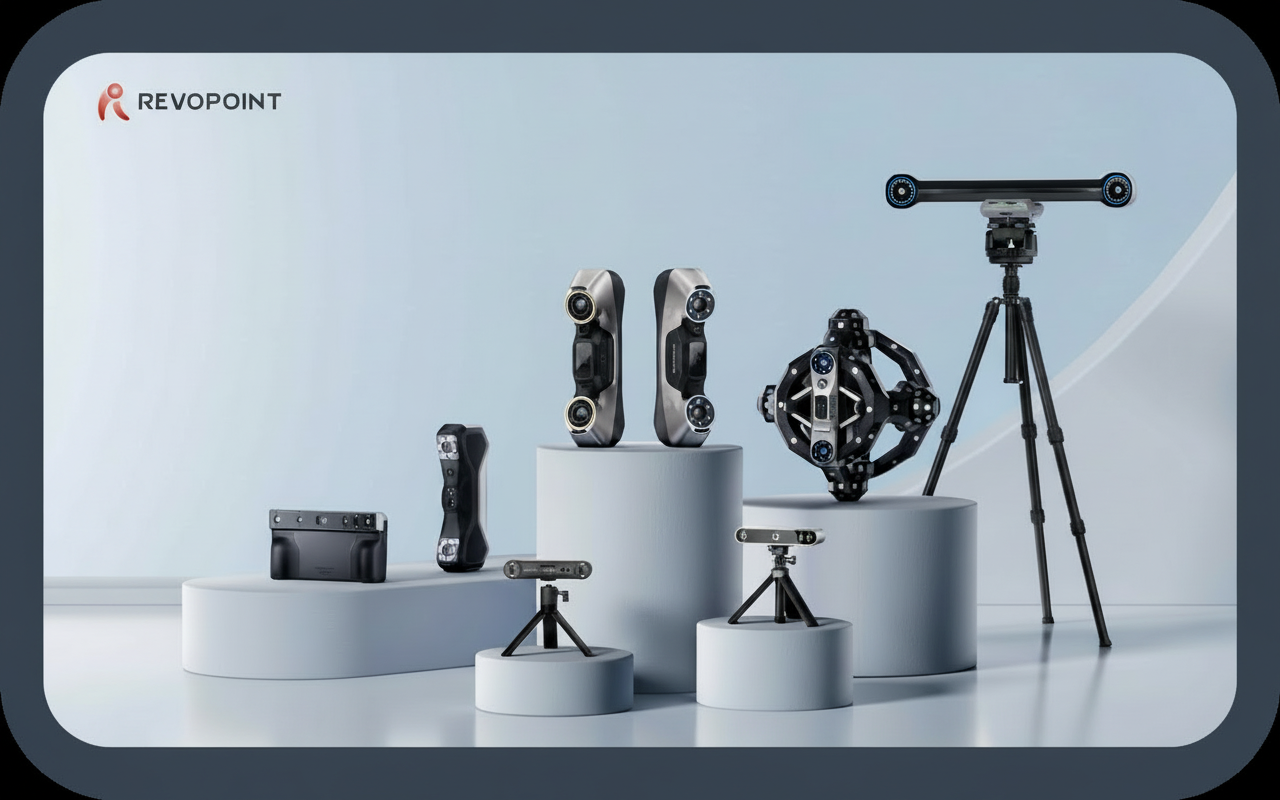
Combines blue structured light and laser technologies to deliver high-accuracy scanning of small to medium objects. It handles a wide range of surface types, including dark and shiny materials, making it ideal for reverse engineering and detailed 3D modeling.
Offers industrial-grade blue laser and full-field structured light (MetroY Pro Only) 3D scanners with multiple scanning modes and high volumetric accuracy. This series is tailored for professionals who require fast, accurate, and user-friendly scanning of small to medium-sized objects. It delivers reliable results for a variety of technical and manufacturing applications.
Aimed at hobbyists, 3D printing enthusiasts, and makers who want an easy-to-use scanning solution for small to medium-sized items. It's portable and supports both indoor and outdoor scanning, offering reliable accuracy for creative projects and DIY applications.
An advanced optical tracking 3D scanning system that enables marker-free scanning of objects ranging from small to large. This system enhances efficiency by eliminating the need for physical markers, allowing for seamless and flexible capture of complex objects. It's ideal for users who require high accuracy and streamlined workflows in industrial and research environments.
>> MIRACO Series
Offering an all-in-one scanning system that supports scanning objects ranging from small to large. This versatile series combines photogrammetry (MIRACO Plus only) and 3D scanning technologies to provide detailed and accurate models. It's ideal for users who need a comprehensive solution that can handle diverse scanning tasks with ease and accuracy.
>> POP Series
Ideal for users who need a versatile and portable scanner for medium-sized objects like engine components, vases, and sculptures. It strikes a balance between ease of use and reliable accuracy, supporting vibration color scanning and making it suitable for a wide range of scanning tasks that require detailed results.
>> MINI Series
Designed for professionals who require high-accuracy scanning of small objects. It excels at capturing intricate details in items such as industrial parts, jewelry, and small statues. This series offers exceptional accuracy, making it ideal for applications with tight measurement tolerances, such as reverse engineering and quality inspection.
|
|
Is Revopoint’s Scanning Software Free? |
|
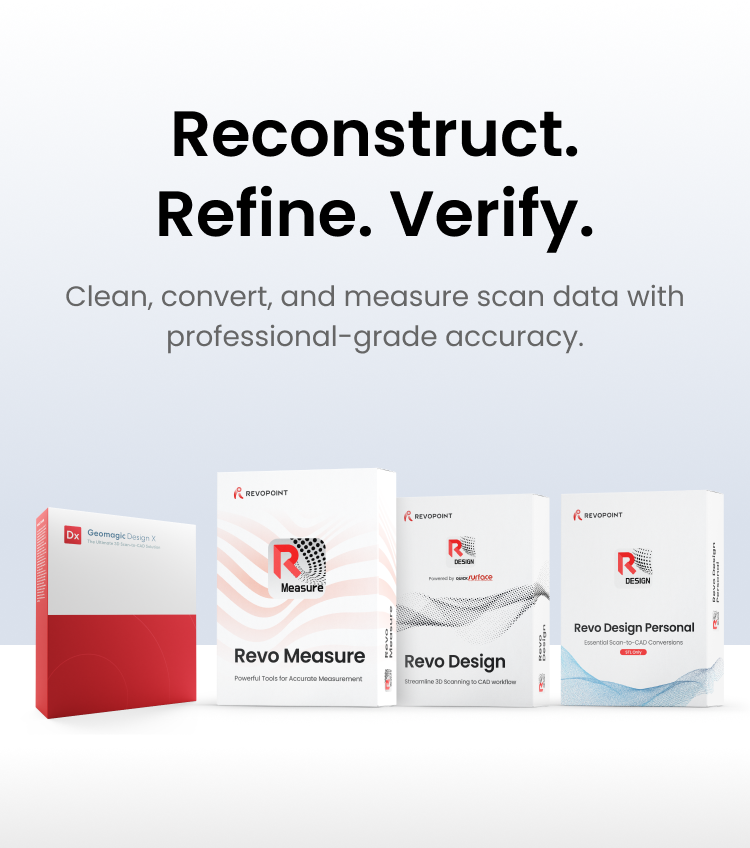
All versions of our scanning software (Revo Scan, Revo Metro, Revo Trackit, and Revo MetroX) and support software like Revo Mirror are free and can be downloaded from the support section on our website. |
|
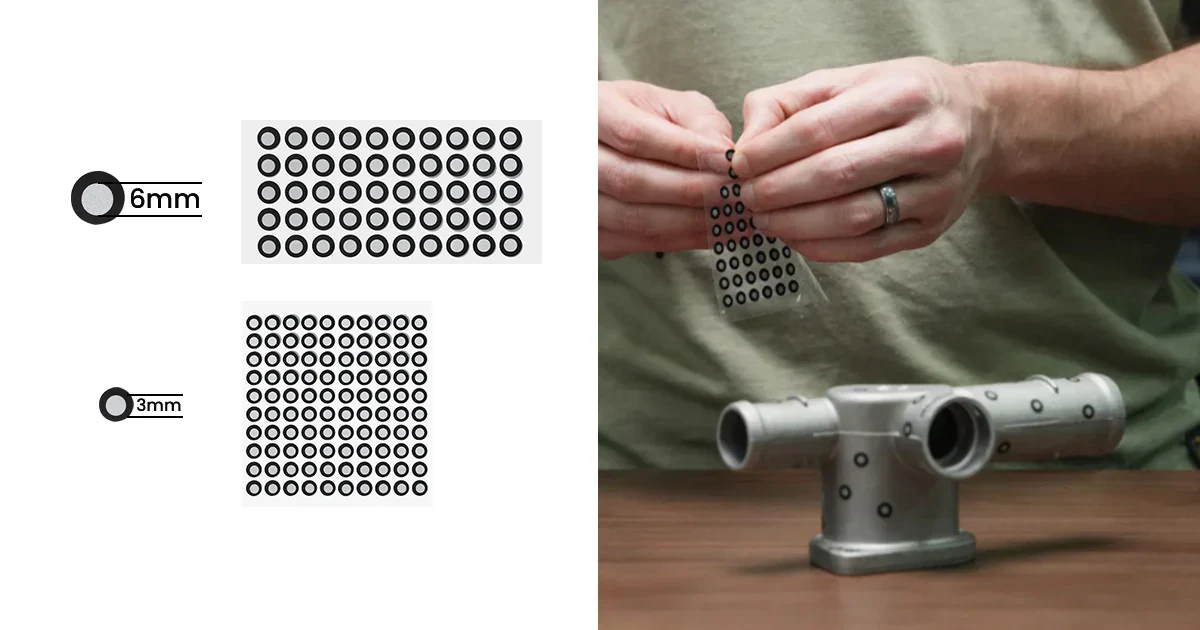
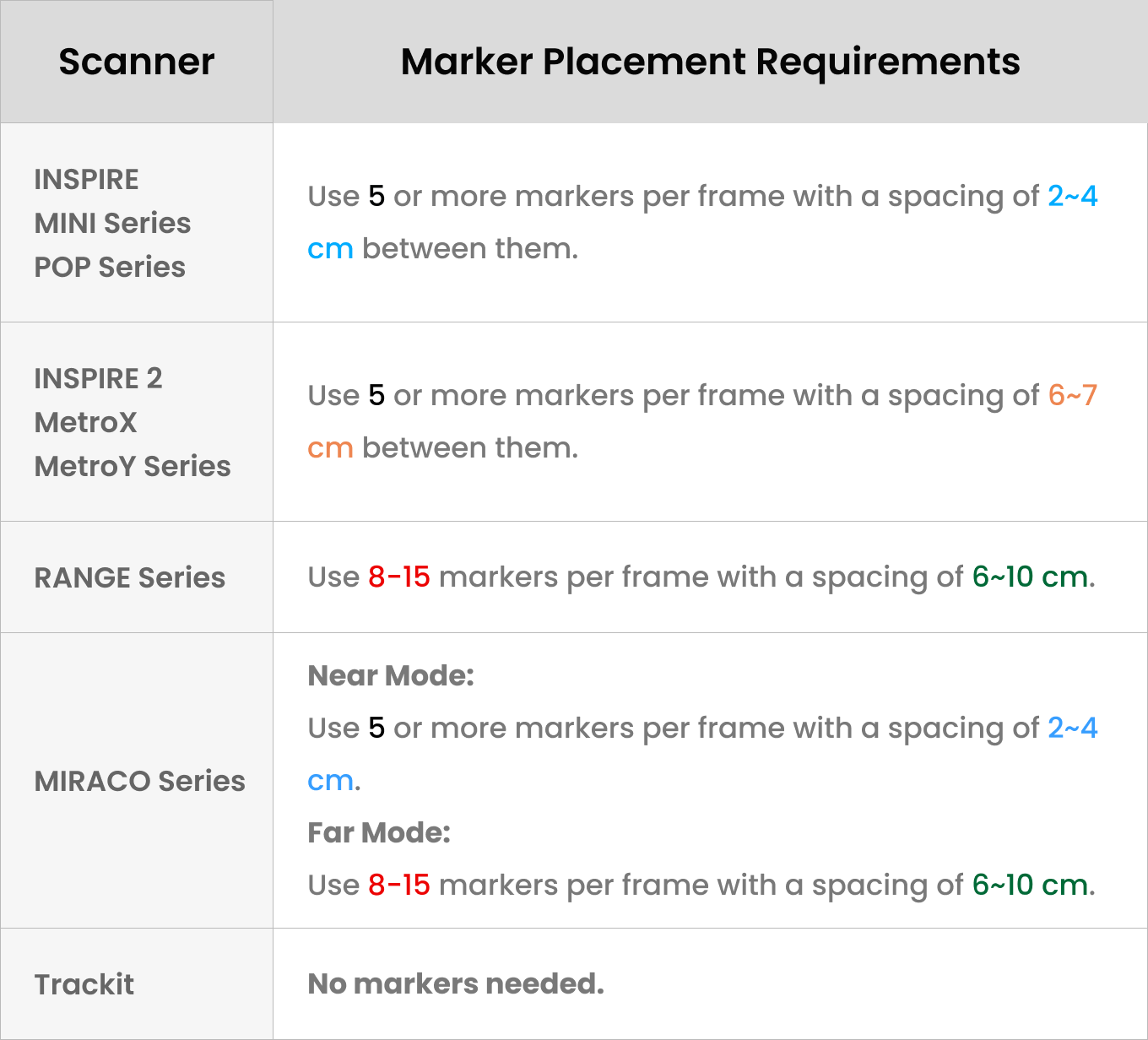
That depends on the scanner you're using, but some basic rules always apply. Markers should be used when scanning featureless objects, i.e., objects with flat smooth surfaces or objects with repeating patterns that don't have enough unique features to track. When placing them, always stick the markers on in an irregular pattern, and avoid putting them on curved surfaces.
|
|
What File Formats Can I Export? |
|
Point Clouds: PLY, OBJ, ASC
Meshes: PLY, OBJ, STL, FX, GLTF, 3MF
Textured Models: PLY, OBJ, FBX, GLTF
|
|
Are Revopoint’s 3D Scanners Safe for Face Scans? |
|
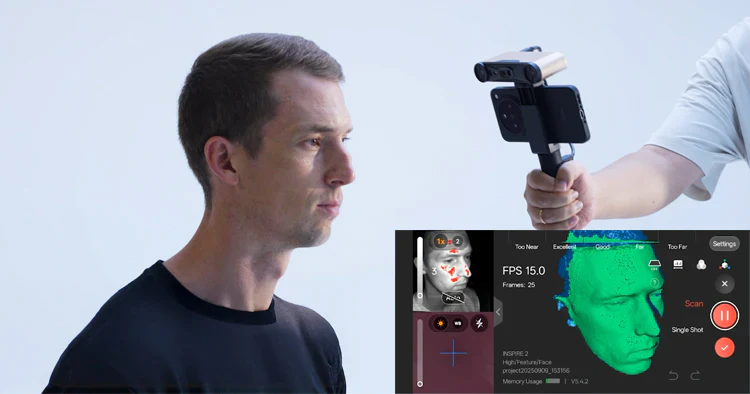
Eye Safe 3D Scanners: INSPIRE Series, POP Series, MIRACO Series, RANGE Series
Not Eye Safe 3D Scanners: MetroX Series, MetroY Series, Trackit, MINI Series (We recommend using Laser Safety Goggles)
|
|
How Often/When Should I Calibrate the Scanner? |
|
Generally speaking, most Revopoint scanners don't require frequent calibration. Usual indications that you should calibrate are if the scanner stops recognizing markers or your 3D model's surface looks very rough or grainy. Otherwise, you should only recalibrate a couple of times per year.
|
|
What Should I Do if the Scanner Loses Tracking Mid-scan? |
|
First, pause the scan, then, if needed, use the undo button to remove any misaligned data. Next, aim the scanner at a previously scanned area and resume the scan. The scanner should regain tracking, and you'll be able to continue the scan.
Also consider that if you keep losing tracking in the same area, there may not be enough features for the scanner to track. To fix this, place markers and redo the scan in marker mode.
|
|
These are the main questions and answers regarding Revopoint products. We hope this information has been helpful to you. For any other inquiries, please feel free to contact our customer support team at: customer@revopoint3d.com
|
|
| | |