|
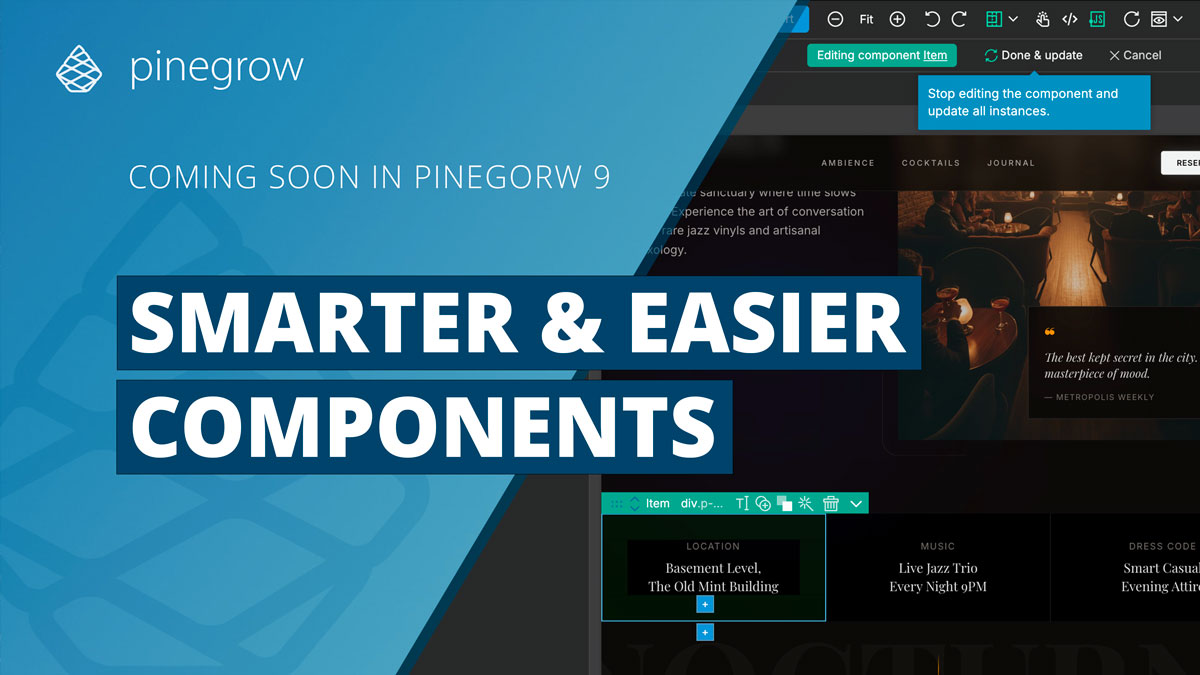
Pinegrow 9 will come with reusable components that are smarter and easier to use:
- Clear: Definitions and instances are marked in pine green, so you always know what you’re looking at.
- Safe: Click any element inside a component definition and Pinegrow selects the whole component. Go into Editing mode to change the component. Click Done to update instances.
- Helpful: The Actions panel suggests the next logical move (like Create component) and detects if the selected element can be safely turned into a component instance.
Watch new Components in action →
The final major Pinegrow 9 improvement will be reveled next week. And the Thanksgiving sale is available until the beta release in mid-December.
Get 35% OFF all Pinegrow editions AND free Tailwind add-on.
Get Pinegrow for less →
If you choose a subscription plan you get to keep the special price as long as your subscription is active, not just for the first year.
For one-time-payment plans with 1 year of updates, the free Tailwind add-on will not increase the price of future renewals.
---
Have a great weekend!
Matjaz & the Pinegrow Team
|