|  | | |
Ashampoo® Photo Style #1 |
You save 78%
| Download version
Operating System: Windows® 11 (x64), Windows® 11 (ARM), Windows® 10 (x64), Windows® 10 (ARM)
| |
Hello dupa niepodam!
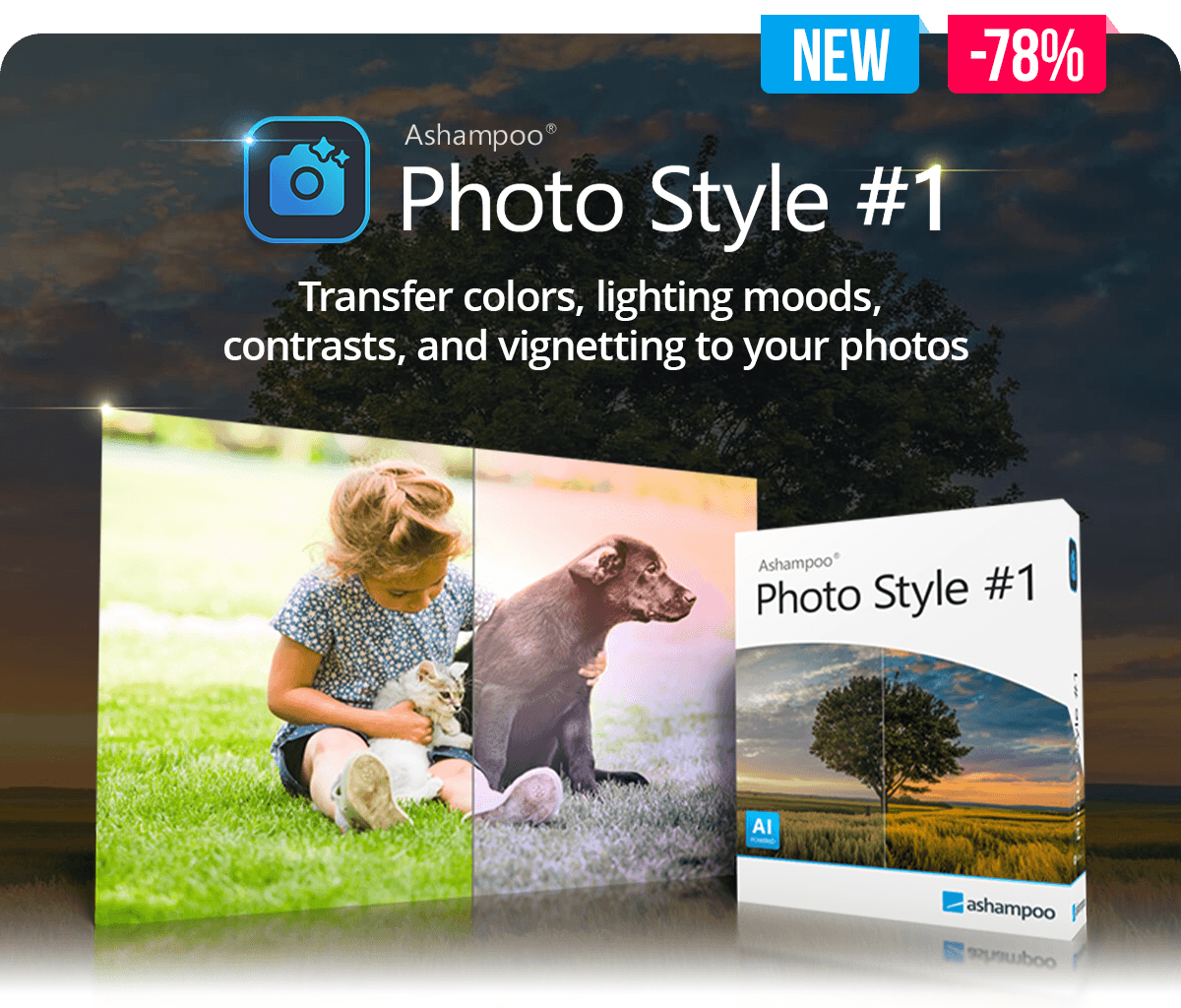
| | Some photos have exactly the look you want: warm colors, strong contrasts, soft light, or a special mood. With Ashampoo Photo STYLE #1, you can use any image as a template and transfer its style to your own photos. The program analyzes brightness, contrast, colors, brightness and color gradients, as well as vignetting, and automatically adapts your photo to the template. This creates harmonious results with a high-quality look, without forcing you to work through complicated photo editing.
| | Highlights
|  | Transfers the look of any reference photo
| | | Analyzes brightness, contrast, colors, and gradients
| | | Transfers lighting mood, color gradients, and vignetting
| | | Adjustable style effect with intensity, softness, and damping
| | | 24 included image styles for a quick start
| | | Save, export, and import your own image styles
| | | Expandable style library for recurring looks
| | | Quick editing module for fast optimizations
| | 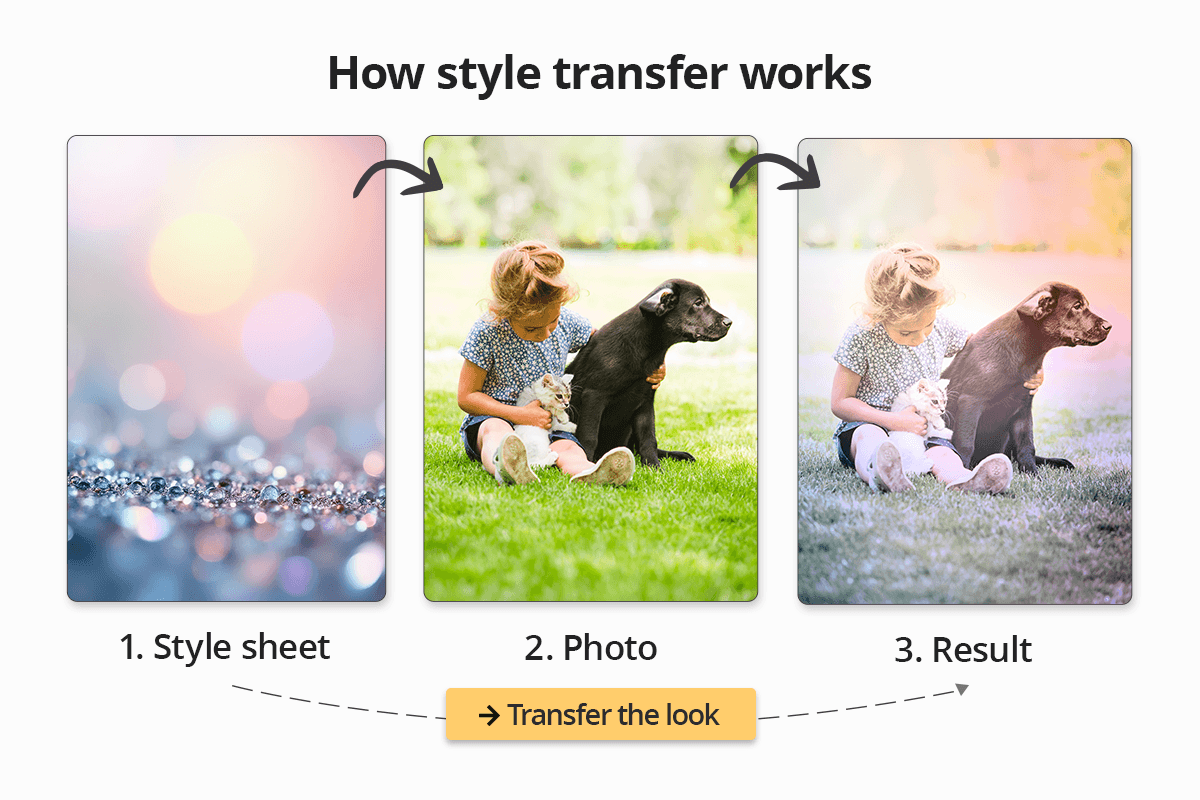 | | Your desired look in just a few clicks
| | Select a reference image, transfer the look, and adjust the result to your taste. With controls for intensity, softness, and damping, you decide whether the new style should appear subtle, natural, or especially expressive. Instead of rigid filters, you get flexible image styles that adapt to your photo and give your images more atmosphere. | | Save and reuse your own styles
| | Ashampoo Photo STYLE #1 already includes 24 ready-made image styles, so you can get started right away. You can also build your own style library in no time: Save successful looks, export them when needed, and import them again later. This makes it easy to give individual photos, entire series, or creative projects a consistent and recognizable look. | 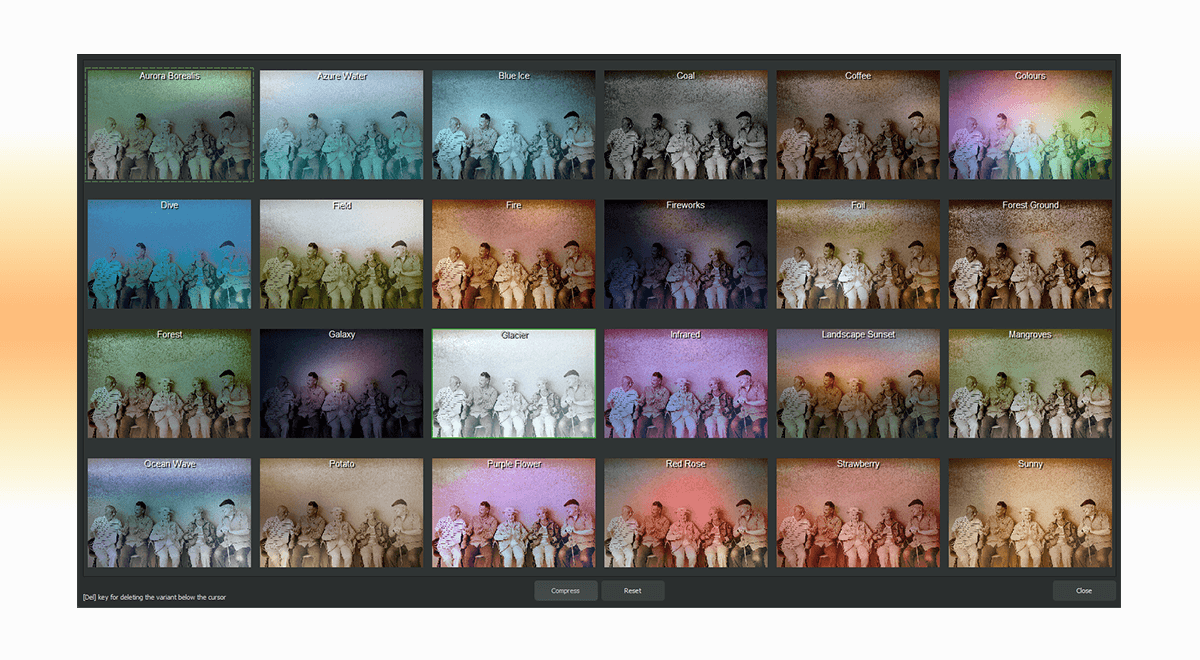 | | More control for creative results
| | In addition to style transfer, Ashampoo Photo STYLE #1 offers practical tools for further editing. The quick editing module helps you reach the desired result quickly, while selective drawing lets you adjust individual image areas with precision. You also get 6 integrated image collections with a total of 120 images and frames, making it easier to add creative accents and bring your own image ideas to life. Watermarks or logos can be integrated automatically, while custom grain gives your photos more structure and character. Sensor defect correction also helps you check and optimize your images. | | The interface is clearly structured and optimized for modern HD and 4K screens. Key areas can be arranged flexibly, tooltips explain functions directly in the program when needed, and the category bar lets you show only the modules you currently need. This keeps Ashampoo Photo STYLE #1 clear and easy to use, even when you want to get more creative with your photos. | 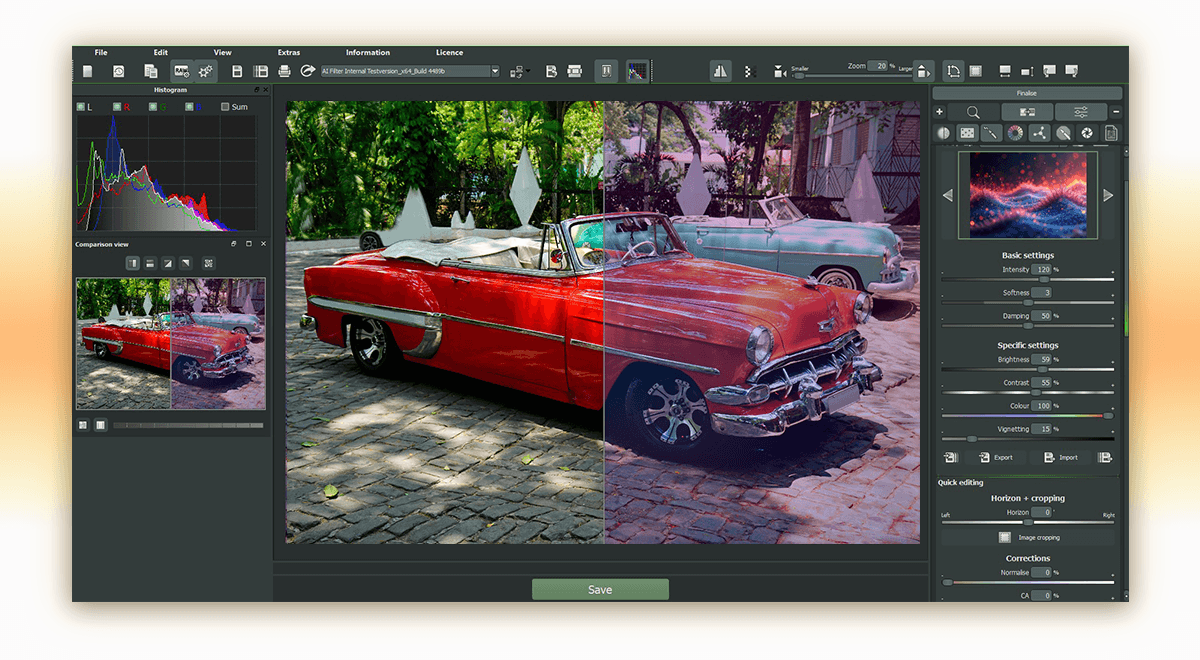 | | Transfer your favorite look now and give your photos a personal signature
| | With Ashampoo Photo STYLE #1, you turn image moods you love into reusable styles for your own photos – quickly, easily, and without complicated photo editing. |  | | |
Ashampoo® Photo Style #1 |
You save 78%
| Download version
Operating System: Windows® 11 (x64), Windows® 11 (ARM), Windows® 10 (x64), Windows® 10 (ARM)
| |