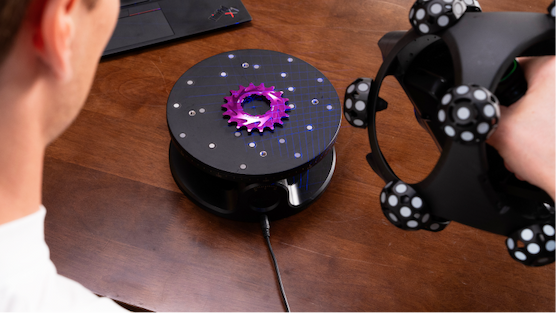
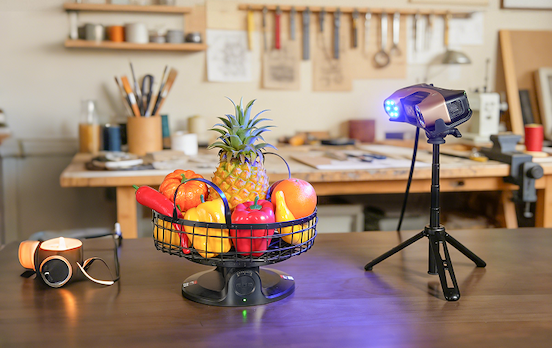
A turntable can make 3D scanning far more consistent, but only when it fits the job properly. If it is too small, too light-duty, or not smooth enough in rotation, it can create the same issues users are trying to avoid: lost tracking, incomplete surfaces, unstable alignment, and more cleanup after scanning. When choosing a turntable, the main factors are size, load capacity, rotation smoothness, speed control, and whether your workflow actually benefits from tilt. |
|
1 Why the Turntable Matters in Real Scanning Workflows
|
|
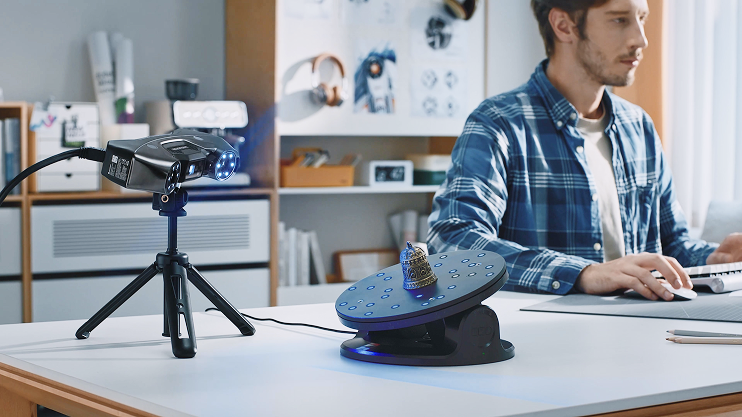
A turntable keeps motion controlled and repeatable. Instead of manually rotating the object and introducing small shifts, the object moves on a predictable path. That helps the scanner capture more consistent data and often reduces alignment issues. This is particularly useful when scanning parts for reverse engineering, objects for 3D printing, or products with multiple sides that need full coverage. |
|
2 Choose the Platform Size Around the Object
|
|
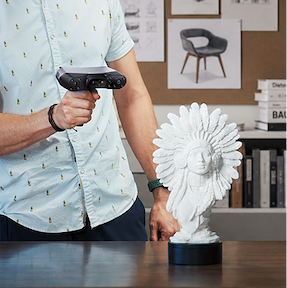
The turntable should be noticeably larger than the object's base. If the fit is too tight, the object may overhang, wobble, or become harder to scan from lower angles. |
|
A USEFUL GENERAL GUIDE: S Small objects: around 20 to 30 cm M Medium objects: around 40 to 60 cm L Larger objects: large or custom turntables |
|
3 Load Capacity Affects Stability
|
|
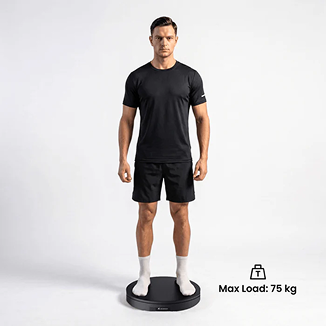
Even if the object fits physically, the turntable still needs to rotate smoothly under its real working weight. A good rule is to leave safety margin instead of buying right at the object weight. |
|
4 Rotation Smoothness and Speed Both Matter
|
|
Sudden starts, vibration, or uneven motion can make it harder for the scanner to maintain tracking. Small, detailed objects often benefit from slower rotation, while larger forms can handle more speed. Stable motion matters more than fast motion. |
|
5 Manual, Motorized, and Dual-Axis Options
|
|
Manual turntables Simple and cost-effective for smaller jobs |
|
Motorized turntables Better for consistent rotation and less manual handling |
|
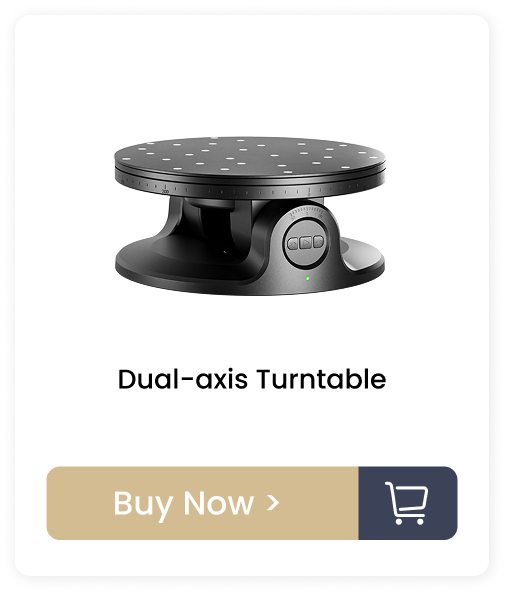
Dual-axis turntables Add tilt as well as rotation, helpful for small objects that need more angle coverage |
|
6 When Tilt Helps and When It Does Not
|
|
Tilt is useful for smaller objects to reveal hidden surfaces. However, if the object is tilted away from the scanner, detail may drop. For larger or heavier objects, keeping the platform level is often the better option. |
|
Even a good turntable needs the right setup around it: ✔️ Use a matte, non-glossy surface ✔️ Add markers randomly when needed ✔️ Secure the object to prevent slipping ✔️ Keep the background simple ✔️ Use soft, even lighting |
|
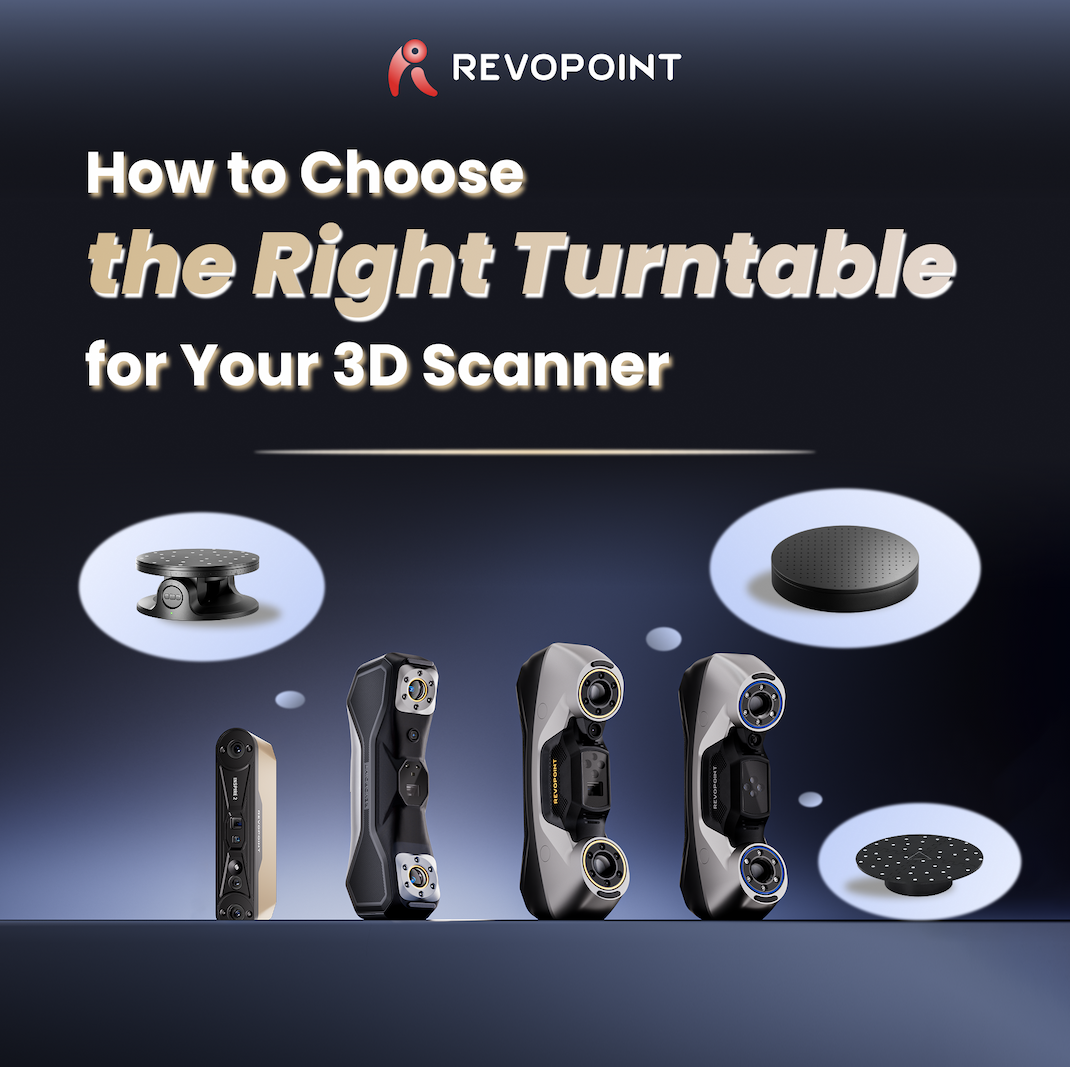
At a GlanceRevopoint Turntable Options
|
|
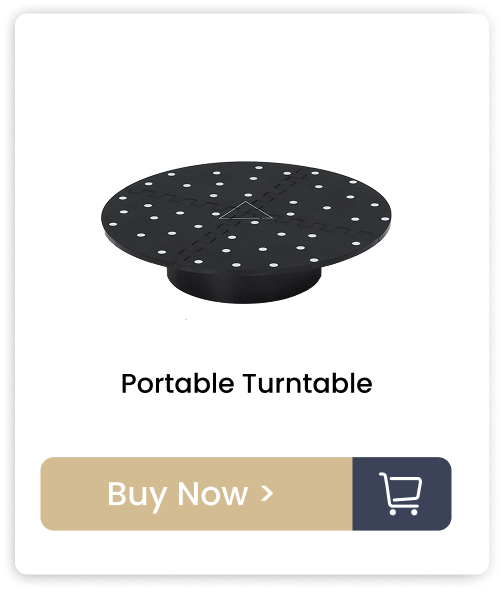
Portable Turntable 125 mm diameter, 2.5 kg load, motorized 360° Rotation. Ideal for medium to small objects, to keep your 3D scanner in a fixed position during the scan. |
|
Dual-axis Turntable 200 mm diameter, 5 kg load, 360° rotation with ±30° tilt. Ideal for small objects, detail work, and cases where tilt helps expose more geometry. |
|
Large Turntable 500 mm diameter, 200 kg load, remote/app control. Ideal for heavier objects and demanding tasks where maximum stability matters |
|
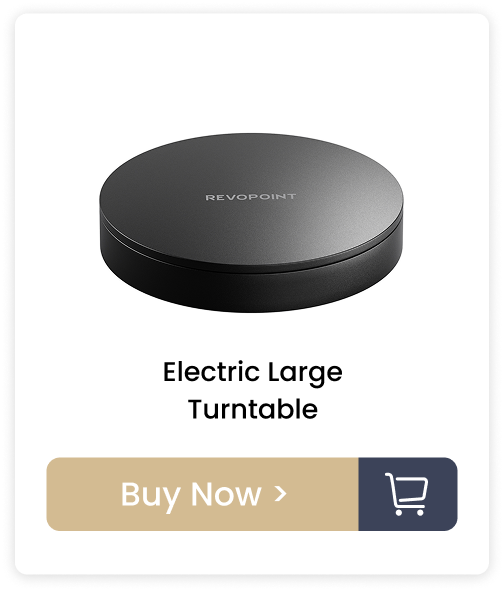
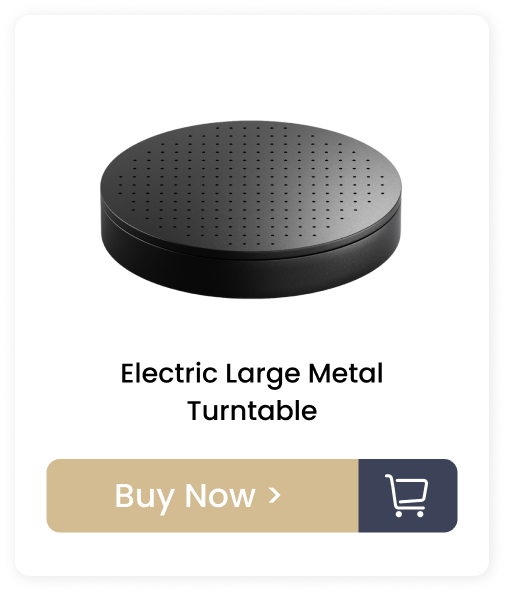
Electric Large Turntable 500 mm diameter, 75 kg load, remote/app control. Ideal for medium-to-large objects that need a wider platform and stronger load support |
|
|
|
|