Your Creative Playground: Make Magic Easily
With Filmora 15’s AI Features
|
 |
|
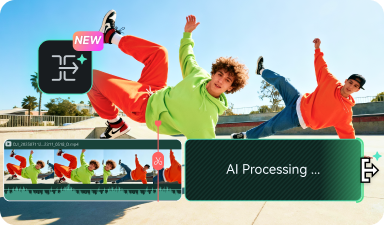
AI Extend >
|
| Meticulously craft motion paths and masks with pinpoint accuracy, perfectly tailored for use with your own creative assets. |
|
|
|
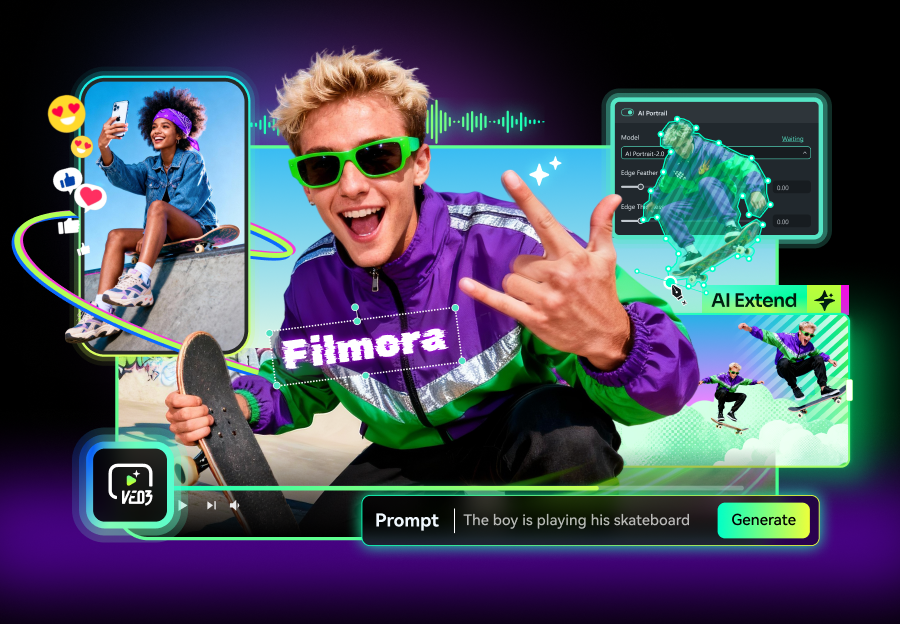
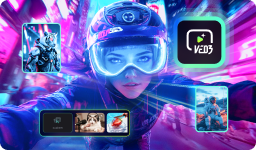
Veo 3 Integration in Filmora
|
| Create Hollywood-quality videos complete with dialogue, music, and sound effects using Google's most advanced Veo 3 AI video generator. |
|
 |
|
 |
|
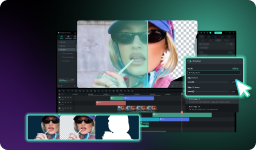
AI Portrait Cutout
|
| Create playful, irregular edge strokes on cutout subjects—craft quirky, eye-catching video styles with various border effects.
|
|
|
|
|
|
 |
Edit The Way A Pro Does in Filmora 15,
But with Low Learning Curves!
|
|
|
|
|
|
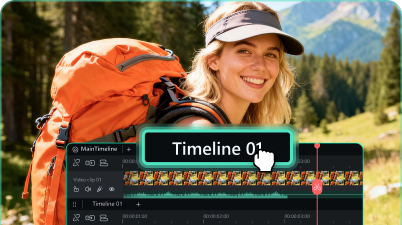
Dual-Timeline Editing >
|
|
Edit with a visual timeline that keeps your story clear from the first cut to the final export. Arrange, trim, and sync clips with frame-level precision.
|
|
|
|
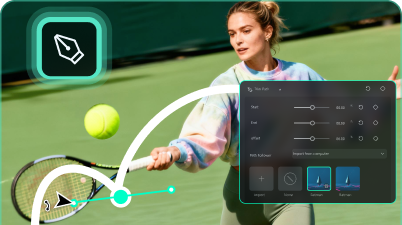
Pen Tool >
|
|
Meticulously craft motion paths and masks with pinpoint accuracy, perfectly tailored for use with your own creative assets.
|
|
|
|
|
|
|
|
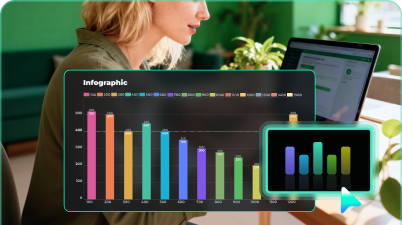
Animated Charts
|
|
Fast data import, smart animation presets, and powerful style customization. No technical skills required – our video chart maker handles the complexity for you.
|
|
|
|
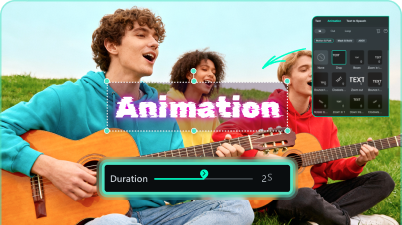
Text Animation
|
|
From text that moves up and down to smooth pan & zoom effects, our text animation maker has everything you need to bring your words to life. |
|
|
|
|
|