
|



The gap between people using AI every day is wider than ever.
One group is saving 5 minutes on emails.
Others are running systems that work while they sleep.
The good news? You can climb faster than you think.
Last year, I wrote about how to go from AI beginner to pro. Here’s the updated framework for 2026:
Stage 1: The AI beginner
Stage 2: The prompt crafter (where most people are)
Stage 3: The AI literate
Stage 4: The workflow builder
Stage 5: The system builder
What stage are you at? I’ll leave links to resources for each stage.
Stage 1: The AI beginner
This is where everyone starts.
You have a ChatGPT, Gemini, or Claude account. You use it like a fancier Google. You ask one-off questions, maybe write a quick email, generate images, and that’s it.
It’s useful, but it doesn’t feel like a superpower yet (we’ll get there).
The first move at this stage is picking your tools.
AI tools split into two categories:
General-purpose tools: Tools that can handle multiple tasks (text, image, etc.)
Task-specific tools: Tools designed for one specific task
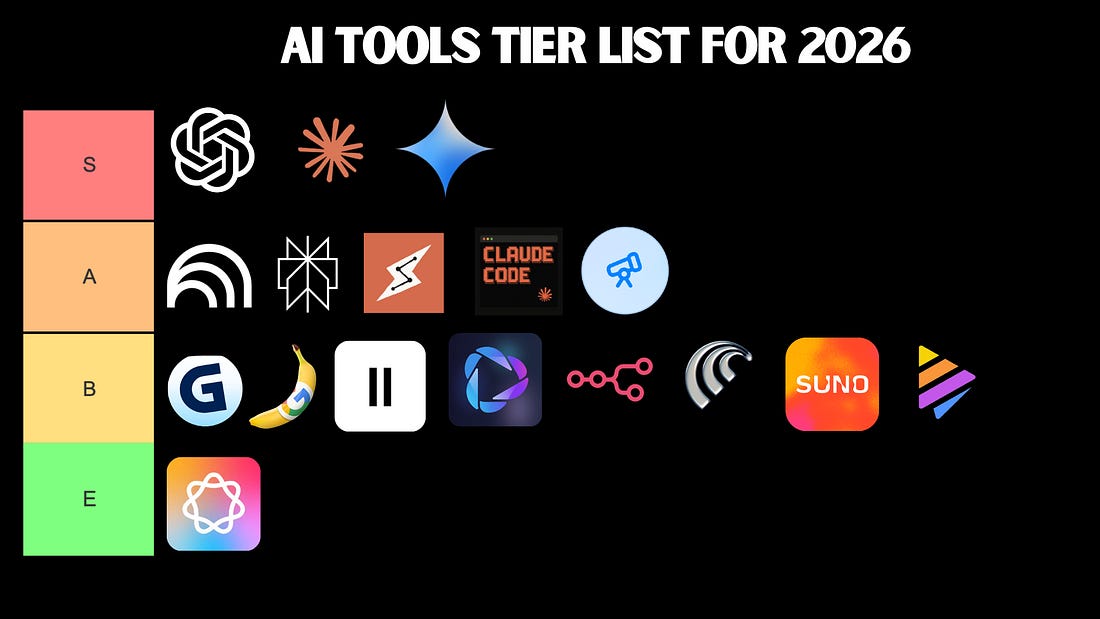
For absolute beginners, there isn’t a big difference between ChatGPT, Gemini, and Claude. Still, here are some things to keep in mind:
ChatGPT: It has a rich feature set (voice/video mode, image generation, etc.)
Gemini: Similar to ChatGPT + integration with Google products (Docs, Sheets, etc.)
Claude: Excels at writing, automation, and building tools/apps (no image/video generation)
If you’re a beginner, stick to one for a few weeks to learn how it thinks.
For task-specific tools, follow these steps:
Identify your needs
Find what tools can cover those needs
Compare them and learn to use the winner
My current stack: Claude, Cowork, and Claude Code for serious work, NotebookLM for learning, and ChatGPT for voice mode
Your stack doesn’t have to look like mine. Build your own based on what you actually do.
Note: If you plan to level up to the final stage of this list, the best choice right now is probably Claude because it includes Cowork and Claude Code in its subscription.
Stage 2: The prompt crafter
When it comes to AI chatbots, how you ask is as important as what you ask.
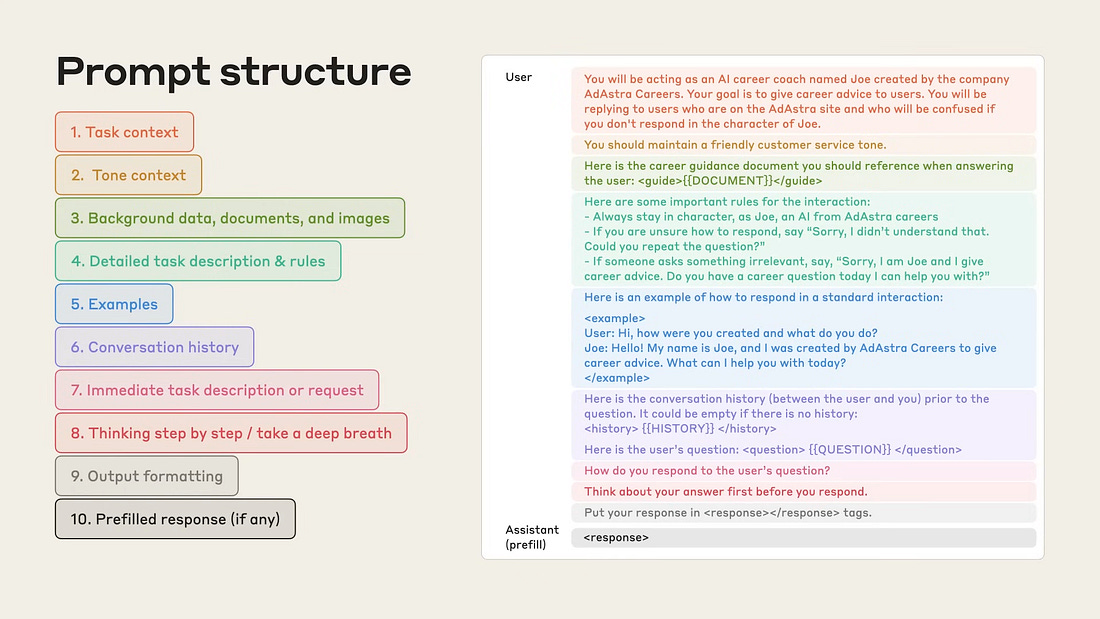
At this level, you should know this basic prompt structure:
Instruction: what you want
Context: background the AI needs to know
Constraints: length, tone, format
Example: when possible, show what “good” looks like
Or this more robust prompt formula shared by Anthropic:
 |