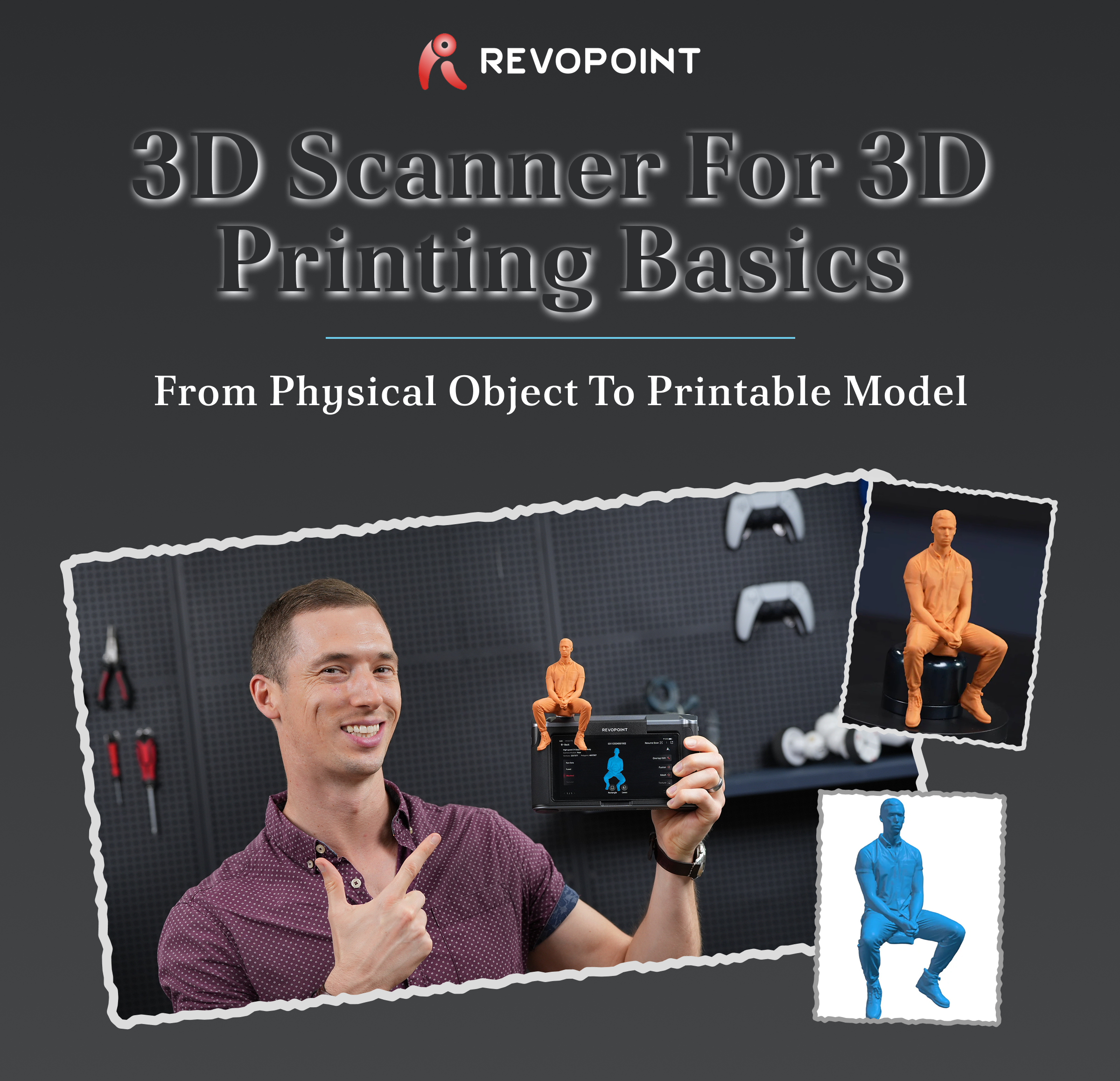
Most print errors are embedded before the printer starts. Here's how to get the scan right.
|
|
| Most Print Errors Start Before the Printer
Most dimensional errors in 3D printing are already embedded long before filament is extruded or resin is cured. They begin when a physical object is converted to a digital model without understanding how geometry is captured, processed, and translated into mesh data. By the time the STL file reaches slicing software, corrections are already limited.
|
|
| What a 3D Scanner Actually Does
A 3D scanner captures surface geometry and converts it into digital spatial data. Modern scanners record millions of XYZ coordinates forming a point cloud, which software then converts into a polygon mesh—typically exported as an STL or OBJ file.
|
|
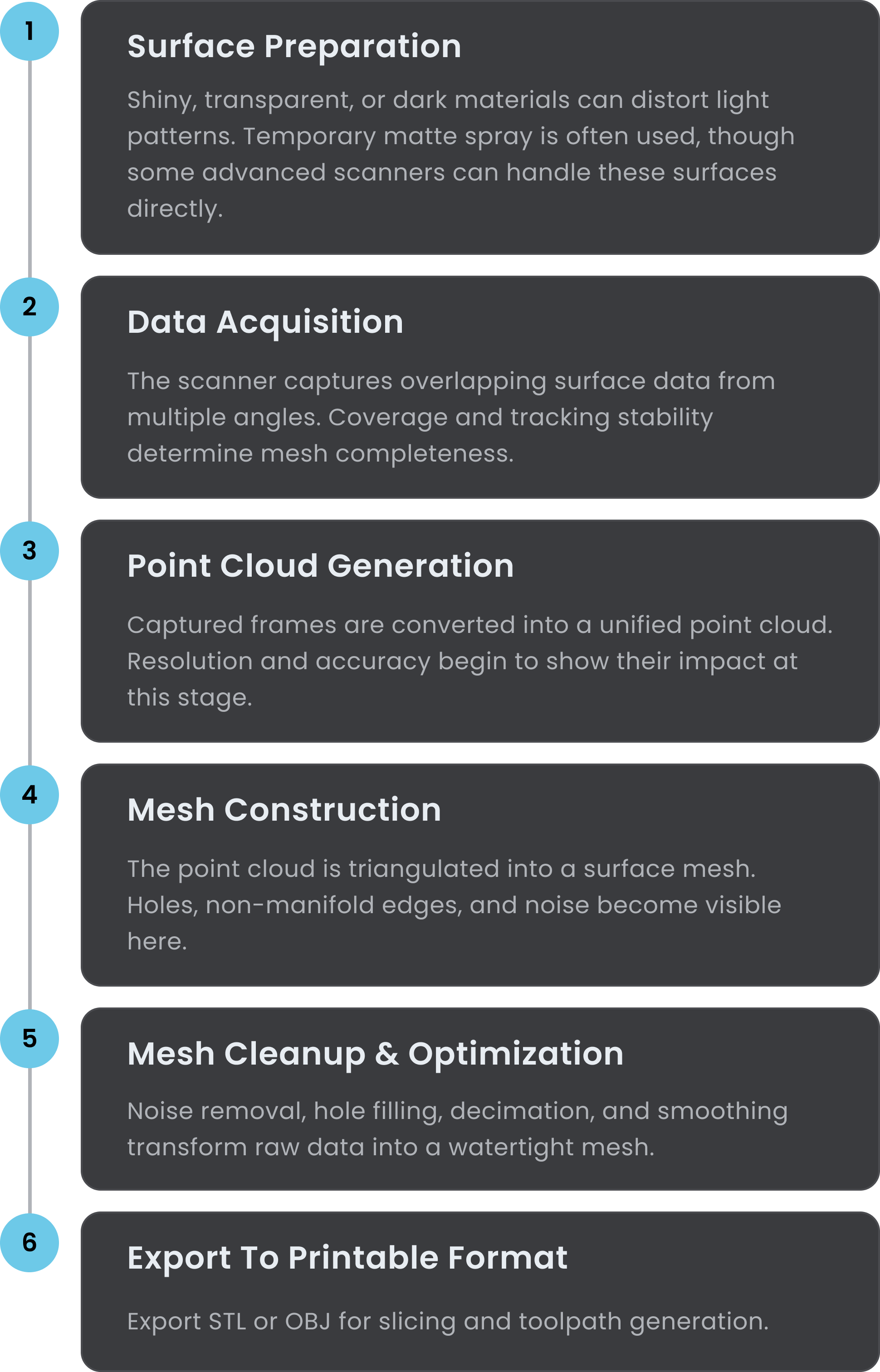
| The Core Scanning Process
Each step influences print behavior. The printer cannot recover geometry that was never captured.
|
|
| Handheld vs Desktop: Which One Fits Your Workflow?
|
|
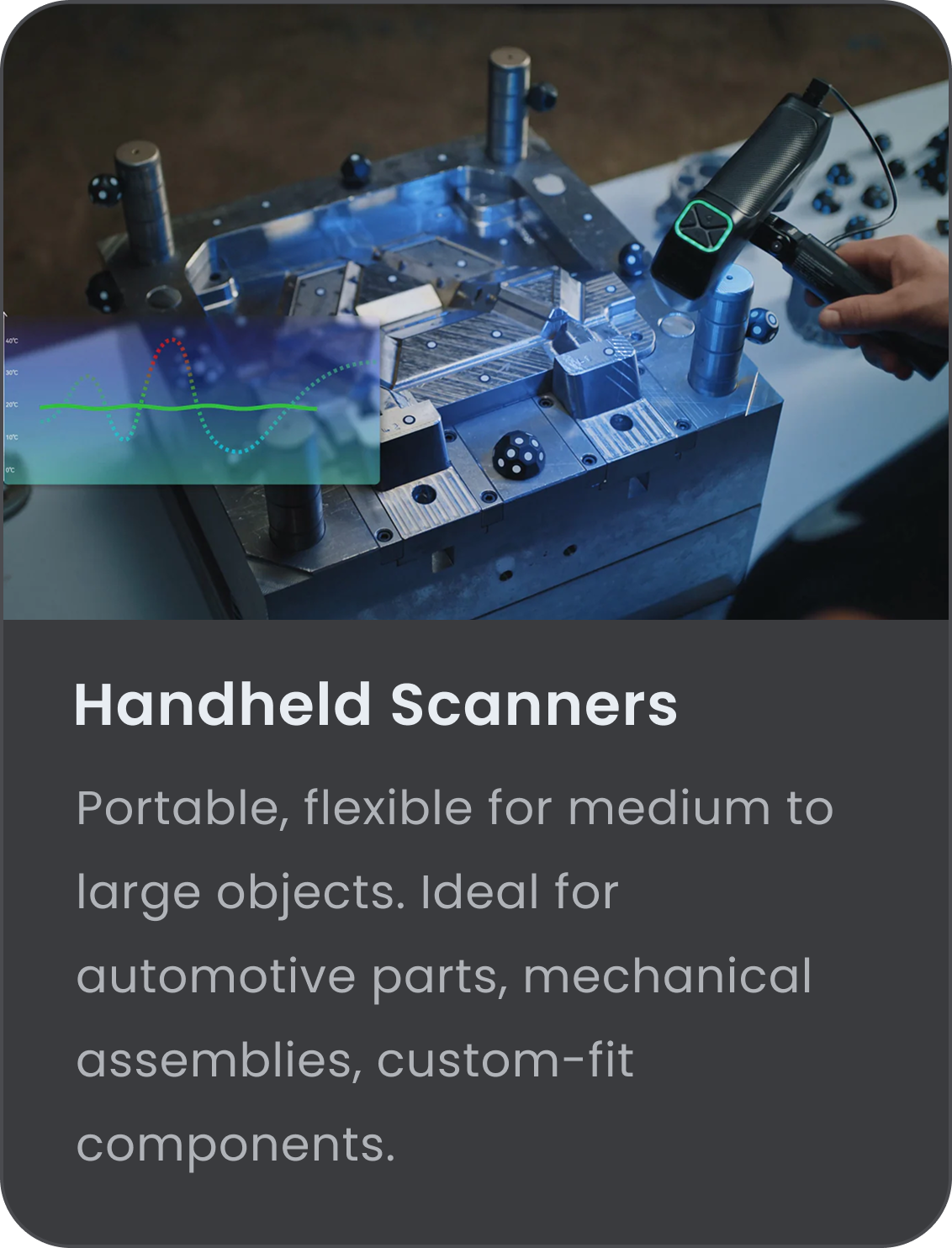
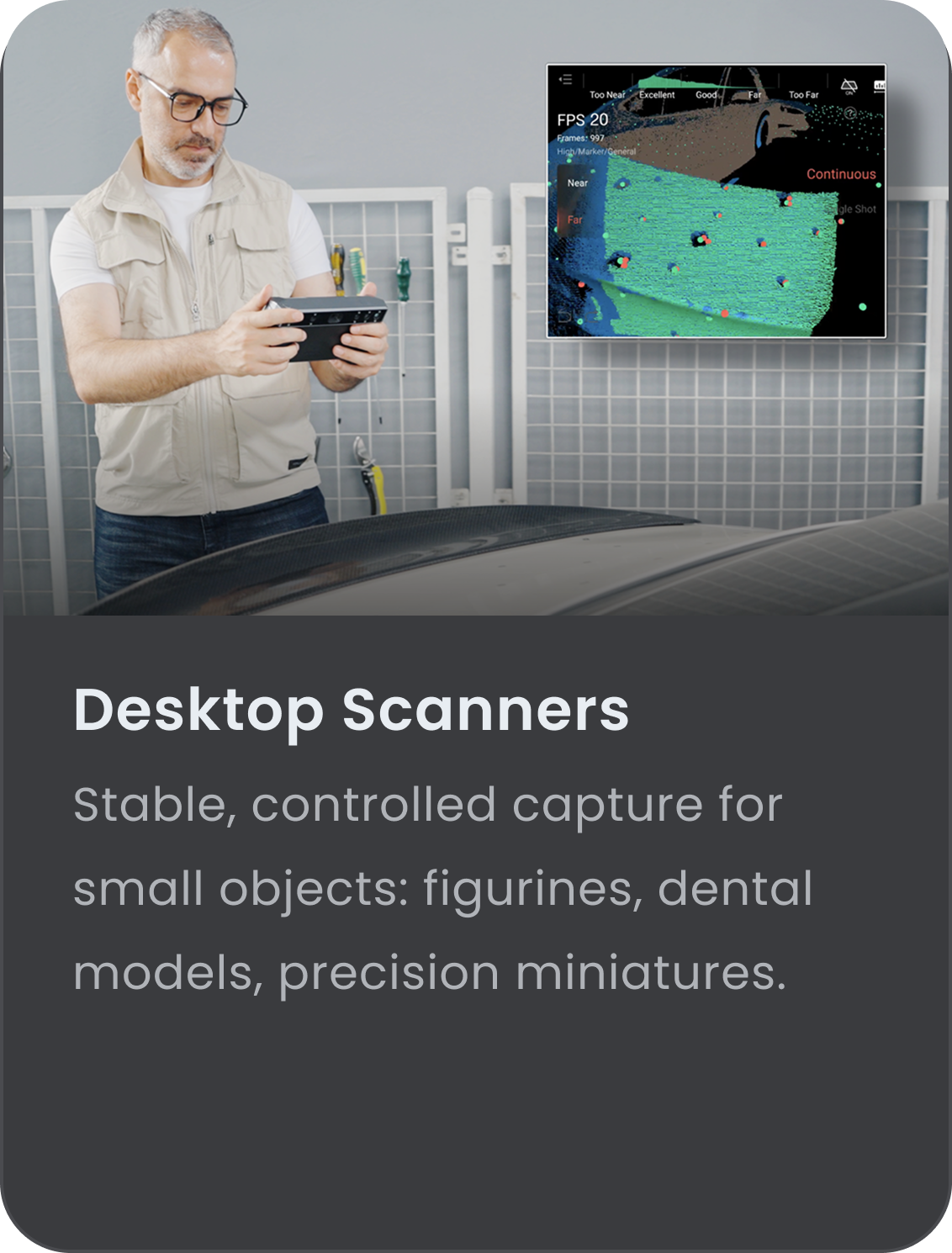
Modern systems often blend both, letting you switch between high-detail and large-area capture.
|
|
| Resolution vs Accuracy: What Matters for Printing?
|
|
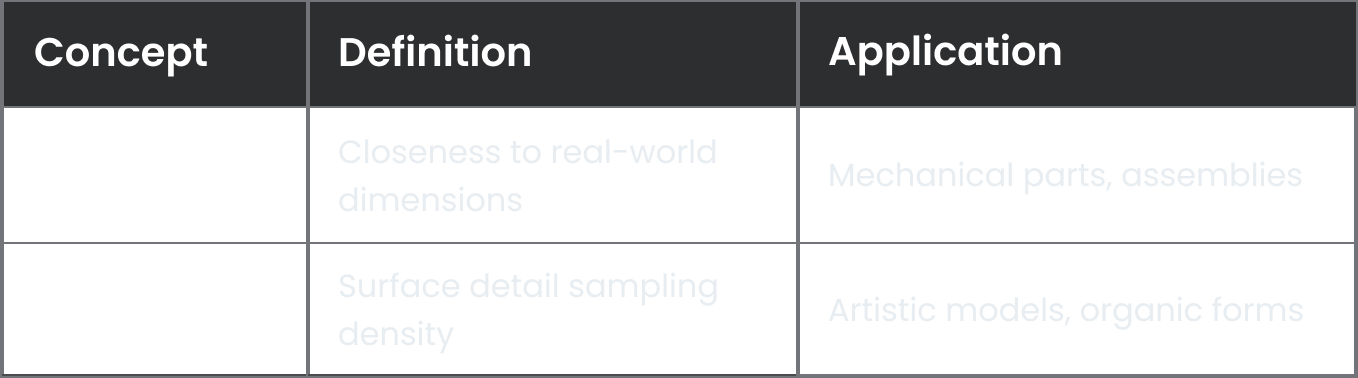
Mechanical parts demand tolerance; artistic models favor surface continuity. Adjust parameters accordingly.
|
|
| From Mesh to STL: 3 Criteria for a Reliable File
|
|
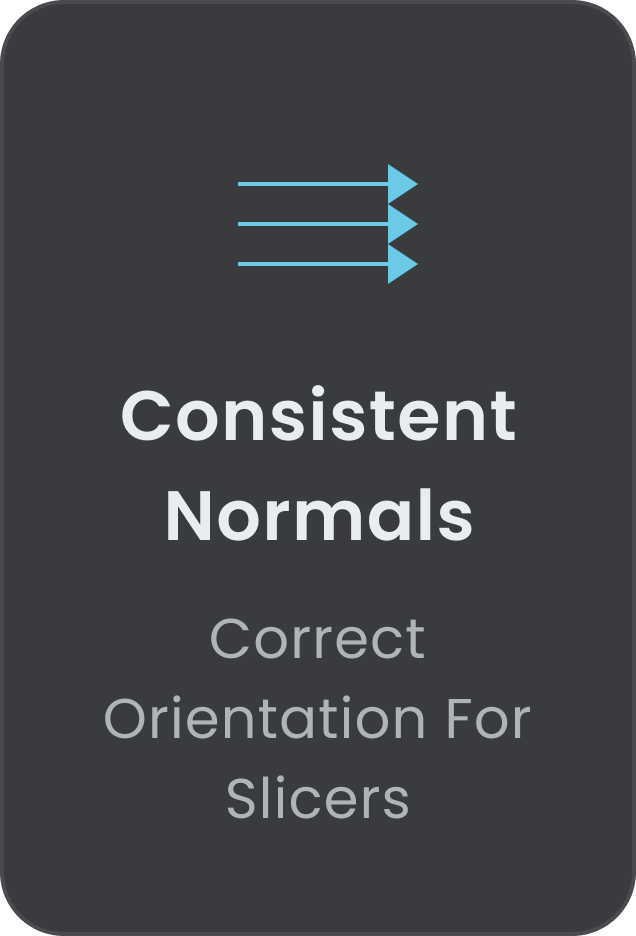
Match mesh density to printer capability — excessive detail adds slicing time without improving quality.
|
|
| Common Issues in Scan-to-Print Workflows
|
|
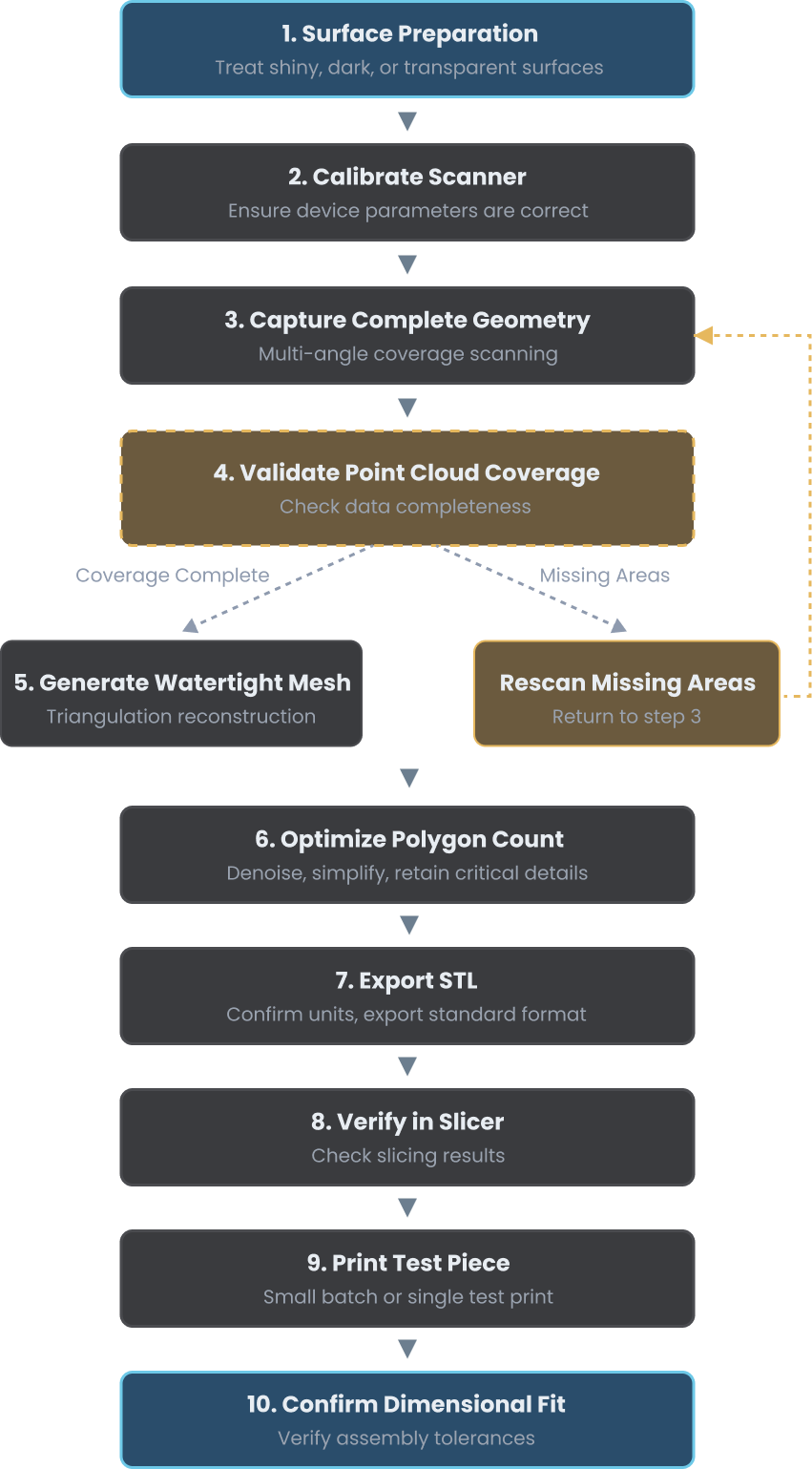
| Practical Scan-to-Print Workflow
|
|
Skipping test prints is rarely efficient when fit tolerances matter.
|
|
| Accuracy Begins Before the Printer Starts
A 3D scanner is the foundation of digital replication. When scanning is approached with controlled parameters, informed resolution choices, and proper mesh preparation, the transition from physical object to printable model becomes reliable rather than experimental. Success depends not on extreme specifications alone, but on how well scanning technology, mesh preparation, and print capability are aligned with the intended outcome.
|
|
Read our complete guide for detailed troubleshooting tips and advanced techniques to elevate your 3D scanning workflow.
|
|
|
|
|