Hi there,

We’re excited to bring you a new set of updates designed to make your capturing and organizing workflow even smoother across Windows and the web.

In this latest update, we’ve added highly requested features to Gyazo Video and improved how you manage your collections.


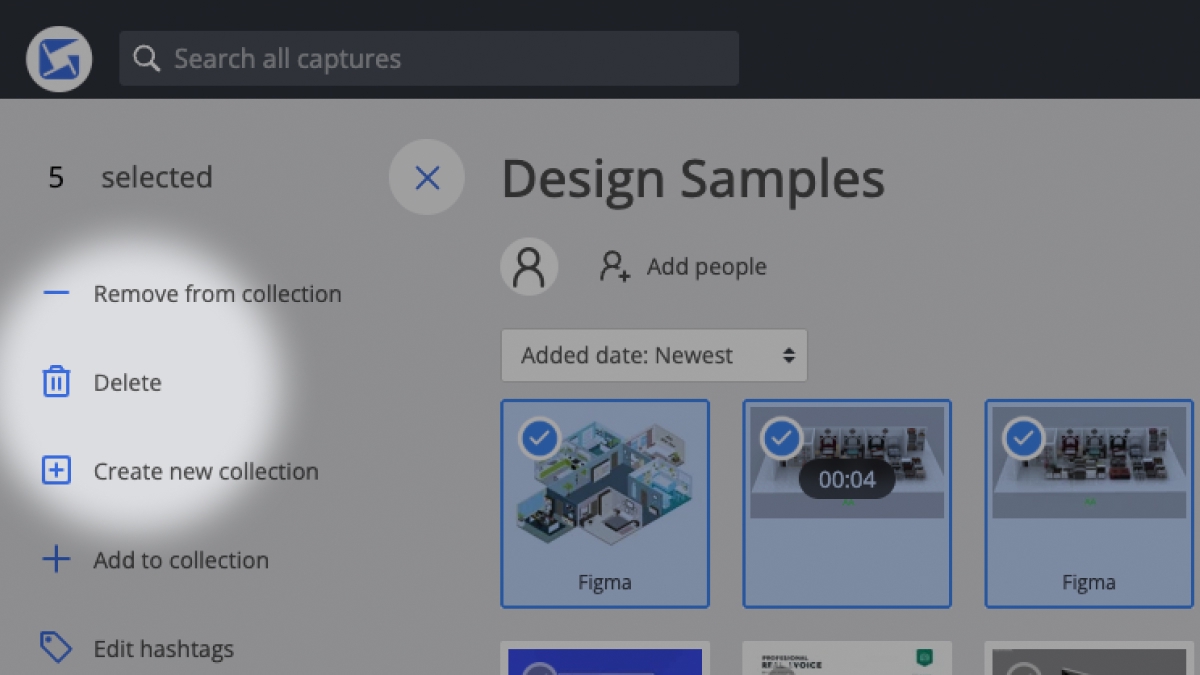
Delete Captures Directly from Collections
  • You can now choose to permanently delete a source image while removing it from a collection.
  • Keep your gallery clutter-free by deleting unwanted captures in a single step.
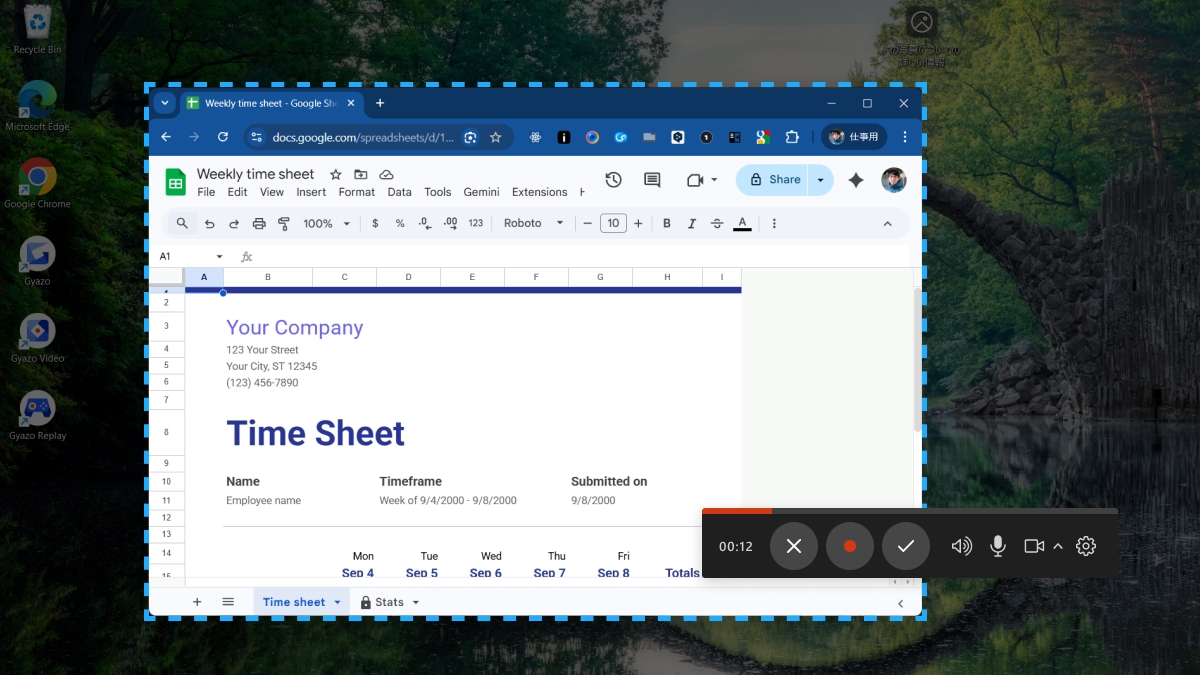
Window Recording (Windows)
  • Snap and record specific windows with pixel-perfect precision.
  • Just like with screenshots, simply press the Space key to select a window and start recording instantly.
  • Available for all users on Windows.
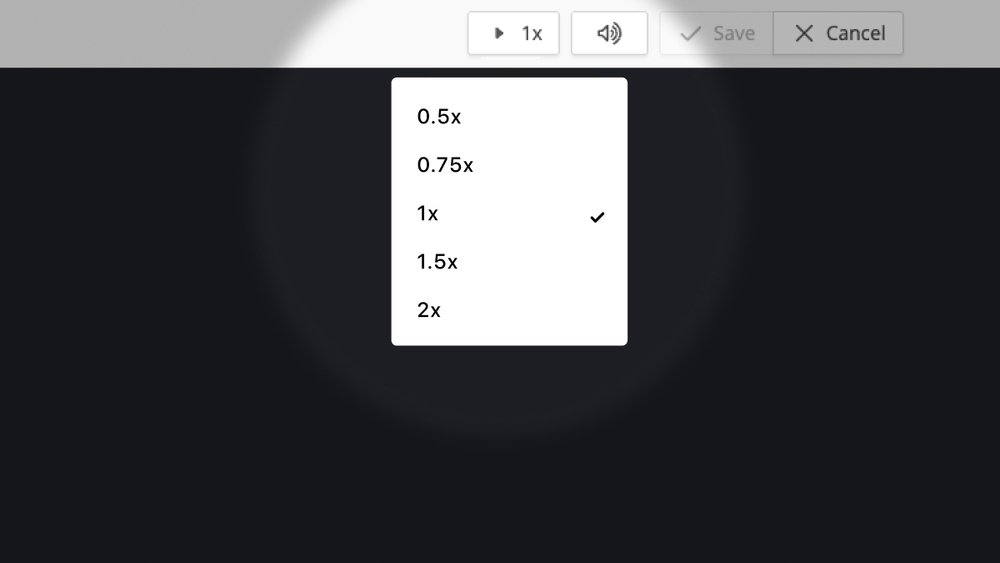
Adjust and Save Playback Speeds (Pro & Teams)
  • Set your video speed from 0.5x up to 2.0x.
  • The speed you save is exactly what your audience sees, making it perfect for slow-motion highlights or fast-paced tutorials.
If you're not a Gyazo Pro user yet, you can upgrade anytime to unlock playback speed controls and other powerful features.


From recording complex workflows to keeping your digital space organized, these updates help you share and manage your ideas more efficiently.

We’ll continue improving Gyazo to make it even more useful for you. Give the latest version a try today.
Gyazo is made by Helpfeel.