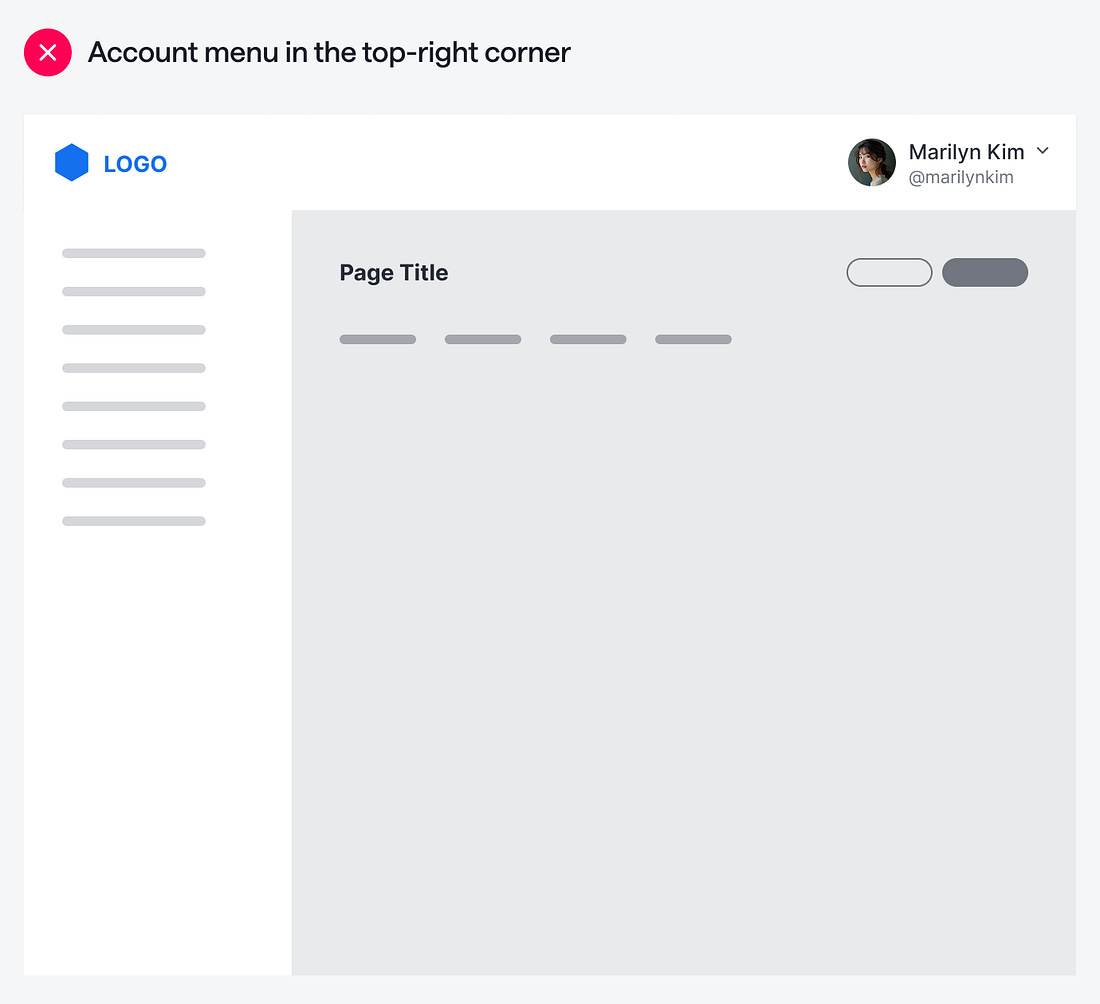
Where is the user’s account menu located on your app? If it’s in the top-right corner of the screen, it’s not in the optimal position. With so many clickable elements on the screen, users will get confused about where to look to manage their account.
One reason for this confusion is that the account menu is in the same area as the page-level actions. The account menu is a global control with actions that apply system-wide. Placing it close to page-level actions can lead users to think the account menu is also page-level, which can cause interaction issues.