Changelog: Cal.com v6.2 - Bookings page new look, link cloaking with URL scanners, Custom locations for Round Robin hosts & more... |
Hello, welcome to this month’s feature update! This month, we’ve focused on a few key areas to improve your experience: |
Bookings page calendar view + history log |
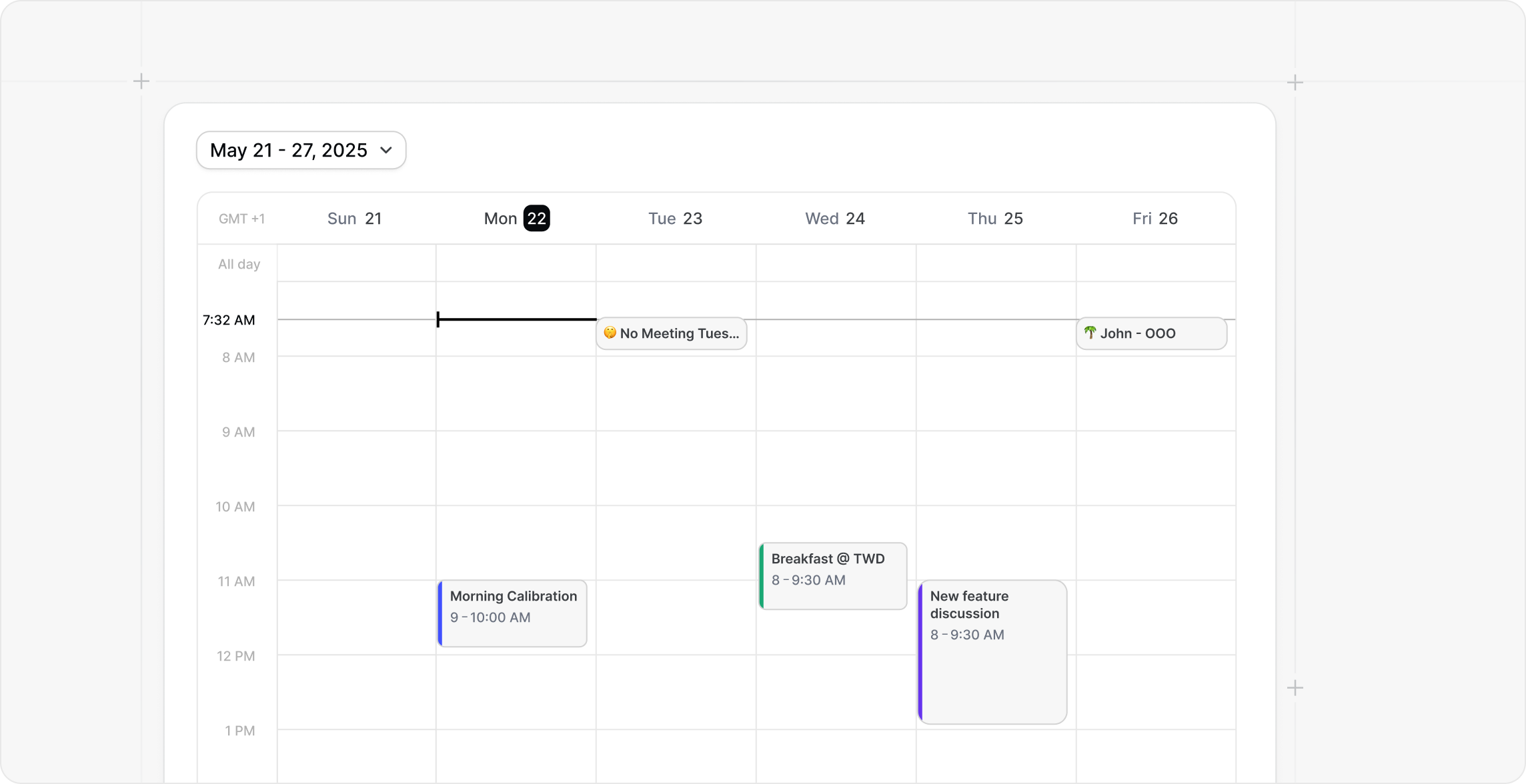
Calendar view has been one of the most requested ways to browse your schedule in Cal.com. A lot of you told us the list view is fine for quick checks, but it’s not great when you’re trying to understand your week, spot gaps, or just get a real sense of what’s coming up. Calendar view fixes that. It gives you a clear picture of your days without extra clicking, so you can scan, orient yourself, and move on.
While you’re there, you’ll also notice the refreshed booking details page. It’s cleaner and easier to scan. And we’re not done yet. A better history log is coming soon, so stay tuned.
To try it, you’ll need to opt in first from your Features settings page. If it takes a bit to get used to, that’s totally fair. You can opt out anytime from the same page and go back to the previous look. You can also manage other experimental features there too, keep them enabled automatically, or turn them off whenever you want. |
Custom locations for Round Robin hosts |
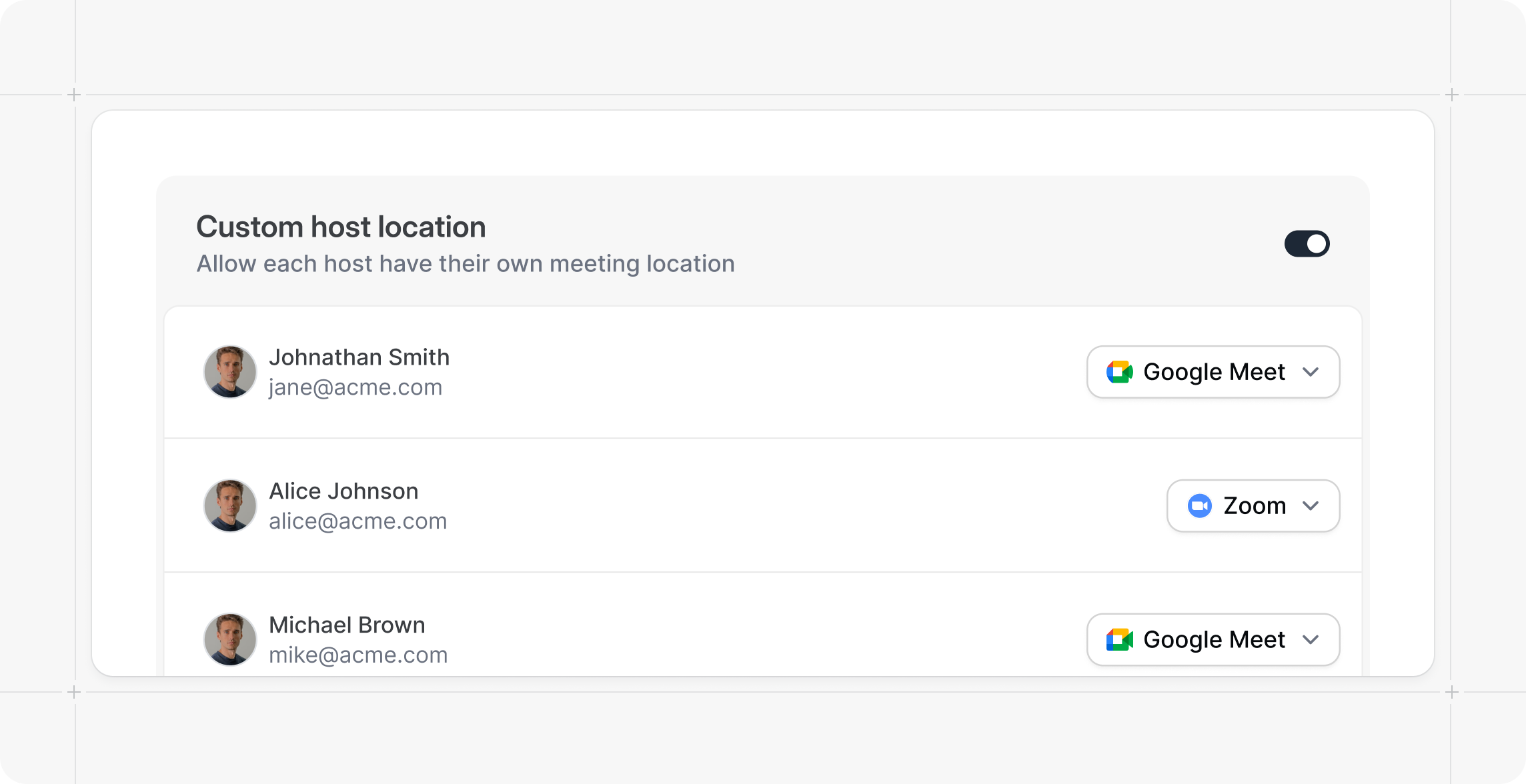
Round Robin just got a lot more flexible. You can now let each host use their own meeting location inside the same Round Robin event. So if one teammate runs calls on Zoom, another uses Google Meet, and someone prefers Cal Video or an in-person address, that’s totally fine. When a booking gets assigned, Cal automatically applies the right location for that host, so the invite shows the correct link or address without anyone needing to fix it after.
This is especially handy for teams that share one booking page but don’t share one setup. No more “sorry, wrong link” messages. No more manual edits. Just a smoother handoff from booking to meeting.
This feature is available for Organizations customers. |
Link cloaking is back - with URL scanners |
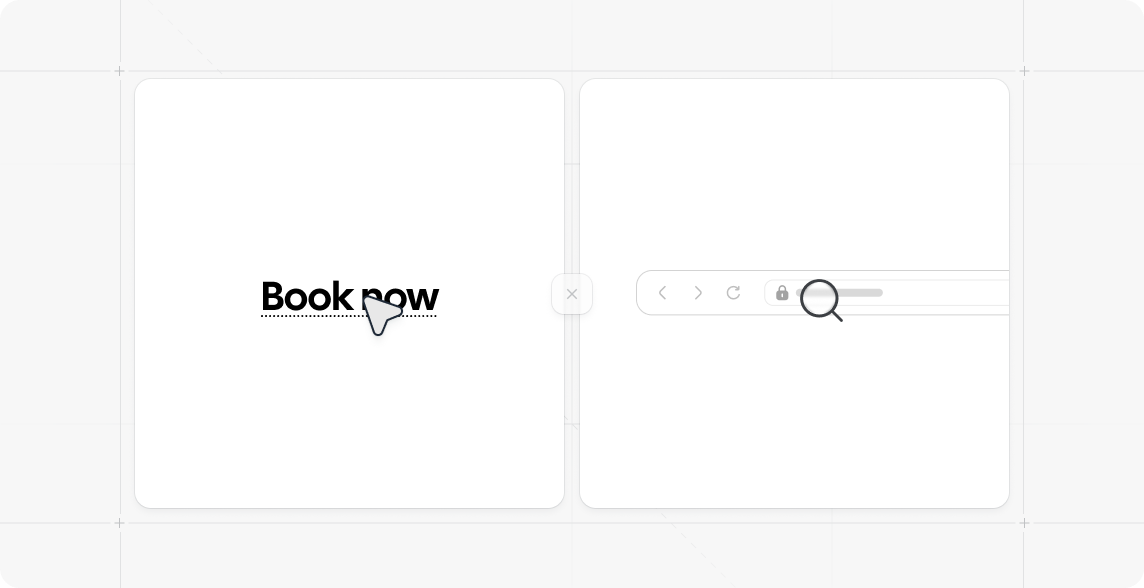
Link cloaking is back for Teams and Organization users. So your custom workflow emails can use clean, readable links again instead of long pasted URLs. Cal.com
We know this one caused noise when it was removed. Cloaked links can be abused, but removing the feature also made many normal, legit emails look worse and feel less polished. So we’re bringing it back and fixing the real problem instead.
To help fight malicious links, we’re adding URL scanning powered by Cloudflare’s URL Scanner. The goal is simple: nicer emails by default, with stronger protection behind the scenes. |
New features & improvements |
- We’ve fully migrated API v2 to Vercel, improving overall stability and reliability.
- We’ve added OAuth 2.0 support for atoms so you can seamlessly integrate our scheduling atoms into your app. #27158
- We’ve added a home screen widget to the new Cal.com Companion app that displays upcoming bookings. #27199
- We’ve added a new troubleshooter atom to inspect availability by event type, along with other enhancements for atoms. #27497 #27224
- We’ve added the ability to report wrong host assignments coming from routing forms. #25839 #27423 #27405
- We’ve added functionality to skip round-robin logic when a HubSpot contact owner exists, along with other improvements to our HubSpot integration. #27310
- We’ve introduced many improvements to OAuth, including the ability to create OAuth clients directly within the app. #25556
- We’ve added the ability to hide the duration selector on the booking page when an event type supports multiple durations. #27033
- We’ve added a new “Assigned” badge to event types, so read-only members can see which event types they are assigned to. #27036
|
- We’ve fixed common scroll issues on mobile embeds by introducing a separate step for selecting slots instead of scrolling down. #26583
- We’ve fixed an issue in our OAuth flow that caused new users to be redirected away from the OAuth flow after signup. #27307
- We’ve fixed a bug where rescheduling a seated booking could result in all attendees being rescheduled instead of just the individual attendee. #26389
- We’ve fixed an issue where the email workflow notification on cancel was not sent to the secondary host. #26915
- We’ve fixed a bug that caused workflow emails to be sent even when the scheduled date was already in the past. #26942
- We’ve improved the upgrade experience to ensure already purchased credits are carried over and still used when on a team account. #27511 #27518
- We’ve fixed a bug that prevented adding or removing an organization banner. #27848
Explore the latest updates and share your thoughts with us. Your feedback, as always, plays a crucial role in helping us improve Cal.com for everyone.
Cheers,
Milos from Cal.com |
You’re receiving this email because you created an account with Cal.com, scheduling infrastructure for absolutely everyone. If you don't want to receive these emails unsubscribe below - you'll continue to receive important scheduling and other account-related emails. |
Cal.com 2261 Market Street, #4382, San Francisco, CA 94114 Unsubscribe |
|
|
|