Creative Styling Just Got Easier: New ON1 Effects Version 2026
Designed to deliver professional results instantly, the new ON1 Effects 2026  (just released last week) is the fastest and most intuitive way to apply creative finishing effects to your photos. With new 1-click subject and background masks, layer-based masking, improved mask quality, four new creative filters, and more, Effects 2026 is a massive upgrade over previous versions.

Use Effects 2026 as a standalone app or plugin for Lightroom Classic and Photoshop, or get it included in Photo RAW 2026 for a complete, all-in-one editing workflow. 
 
 
Learn More
Save 50% on ON1 Effects 2026 through January 30th!


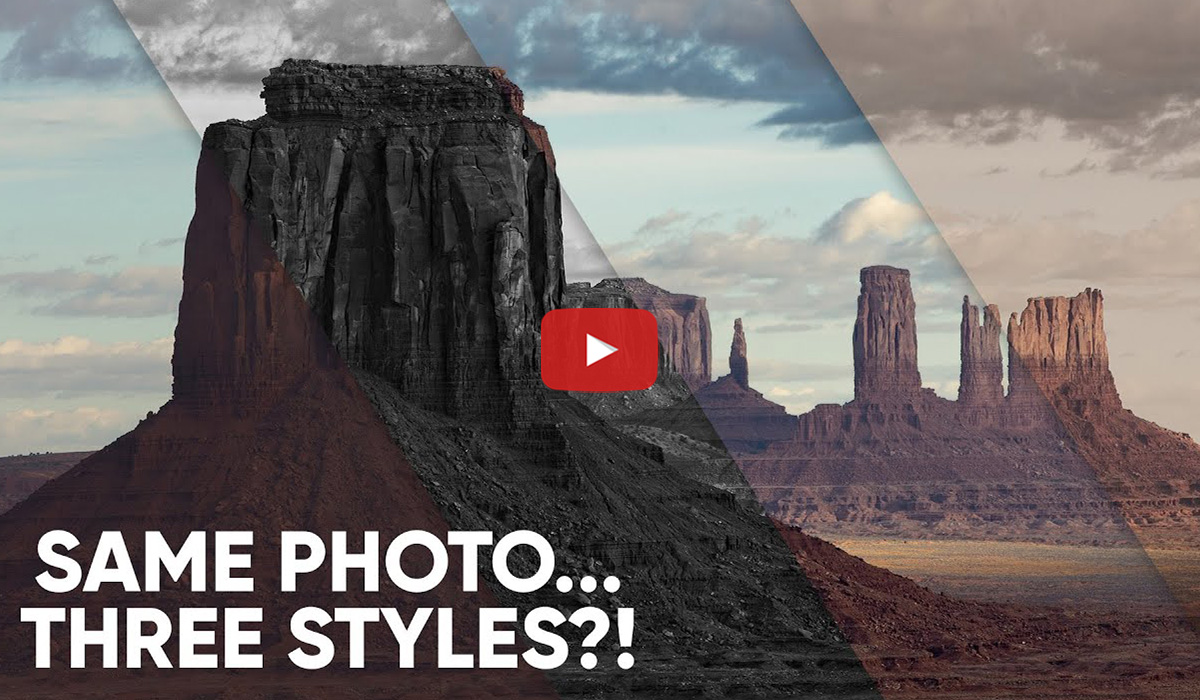
One Photo. Three Looks. Zero Regrets.
One photo doesn’t have to mean one final look. In this video, see how to create three unique edits from a single raw file using Snapshots in ON1 Photo RAW 2026. Start with a clean base edit, apply different styles, and instantly toggle between them, without duplicating files or losing your progress.
 
 
Watch Now


Precise Highlight Control in Reflections
In this ON1 Photo RAW 2026 walkthrough, Scott Davenport shows how to accent highlights in a lake reflection without washing out shadows or muddying midtones. By combining a Luminosity Mask with the Brush in Intersect mode, he targets only the reflected highlights and leaves the rest of the scene untouched. If you’ve ever struggled with reflections, this tutorial shows how to make clean, natural, believable adjustments using ON1’s masking tools.
 
 
Watch Now


Clean Cutouts Made Easy with ON1 Photo RAW 2026
In this ON1 Photo RAW 2026 tutorial from Free Will Photos, learn how to cut out objects cleanly for compositing, background changes, and creative projects. This step-by-step walkthrough shows how to use ON1’s masking and selection tools to isolate subjects with precision, making it easy to create polished cutouts whether you’re just getting started or refining your technique.
 
 
Watch Now