|
|
|
|
Explore new ways to showcase your content with Masonry Grids and the Ticker Effect, and boost your site’s speed with our performance update. November was a packed month with plenty of exciting releases. Check out everything new below…
|
|
|
Masonry Grids
|
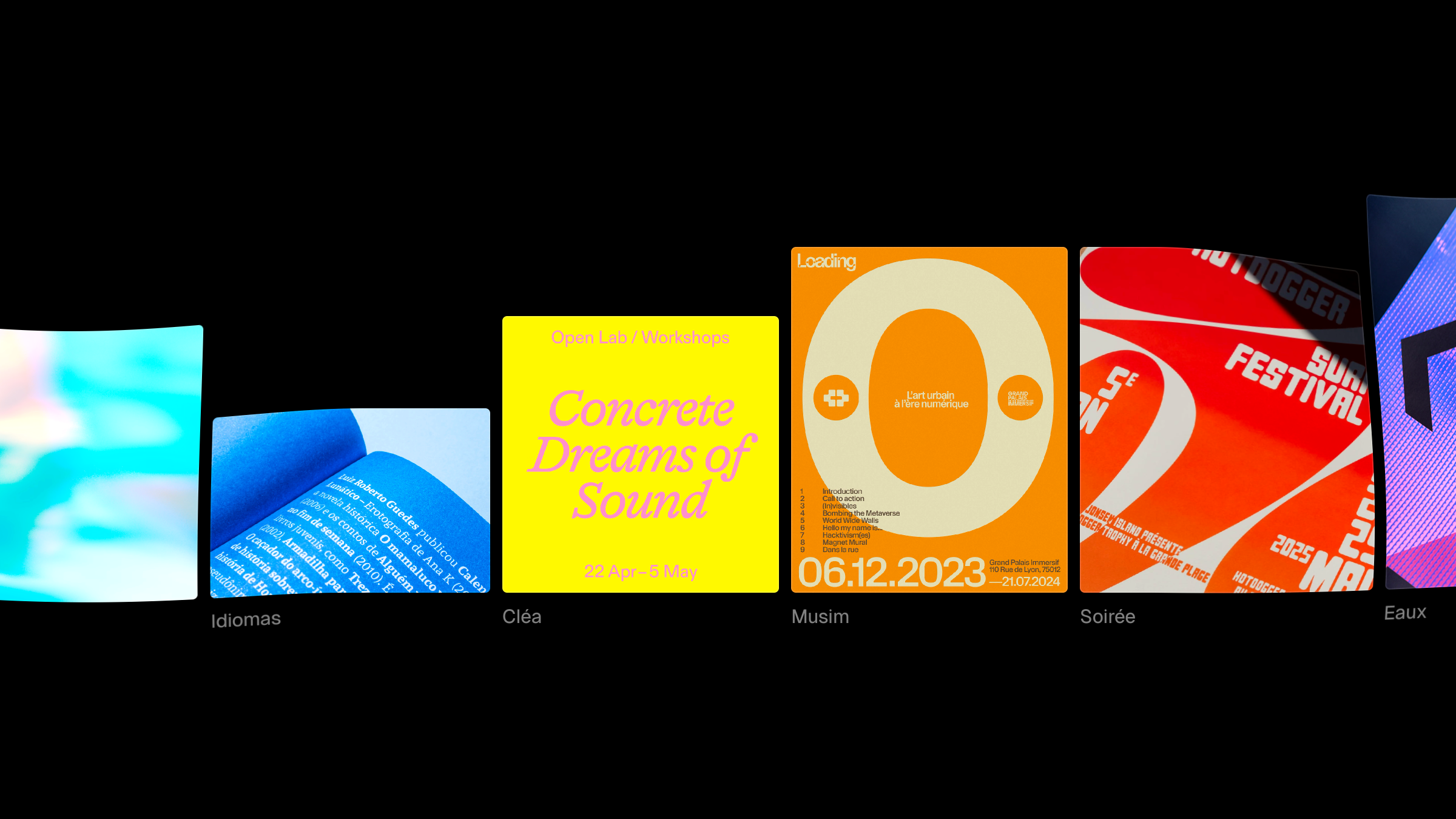
Turn any grid into a packed Masonry Grid with a single click. The Masonry toggle is available under the grid properties, and enabling it lets you craft masonry layouts. These types of layouts use fixed columns but flexible row heights, so items stack tightly, creating a brick-like pattern driven by each layer’s content size. Watch the video to learn to use Masonry Grids in Framer.
|
|
|
|
|
Ticker Effect
|
Meet the Ticker Effect, a new way to design continuous animations for text, images, and beyond. We’ve completely re-imagined Tickers in Framer. This new Ticker Effect now works with the CMS, can be applied to any stack, supports unique settings for each breakpoint, and is even faster and more accessible. You can find it in the Effects menu, and it can be applied to any CMS collection list or stack. We think you will love it. Watch the video on YouTube to learn more.
|
|
|
|
|
Relative Dates
|
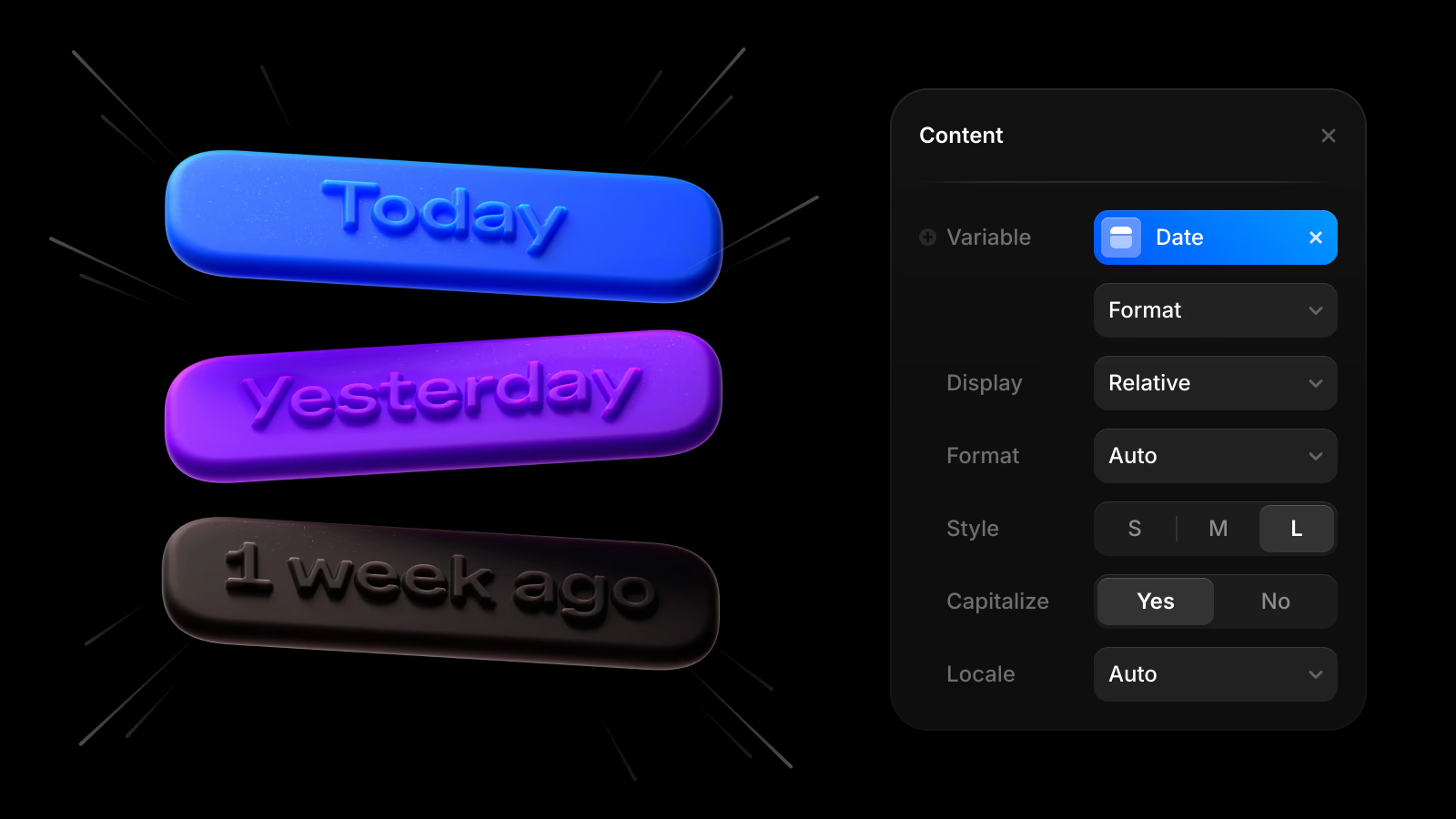
Introducing Relative Dates, a popular feature request for the CMS. You can now display dynamic date values like “Today”, “Yesterday”, or “1 week ago”, making your content feel more natural and up to date. To give it a try, select any date connected to your CMS Collection, open the Text Transform popout, and choose Relative as the Display type. You can also fine-tune the look by adjusting Capitalization and picking between Short, Medium, or Long styles. Learn more.
|
|
|
|
|
Auto Rename
|
Introducing Auto Rename, a new AI-powered way to rename your layers. Just select the layers you wish to rename, and hit ⌥ + R on macOS or ALT + R on Windows, and we’ll magically rename the layers. This helps keep your projects clean and manageable, without any manual effort required. Framer checks what your layers represent, and comes up with clean names. See our short overview video on YouTube to get a sense of the layer names this can generate.
|
|
|
|
|
|
|
Faster Interactivity
|
This performance update makes interactivity on all CMS-based Framer sites up to 150% faster. For your visitors, it means features like buttons and scroll effects start working much sooner after page load. It also reduces bandwidth usage of JavaScript and other network resources per visitor. We’ve achieved this by intelligently embedding data into the final HTML during the optimization step, which React then re-uses during page hydration to skip data fetching.
|
|
|
|
|
Custom Fonts
|
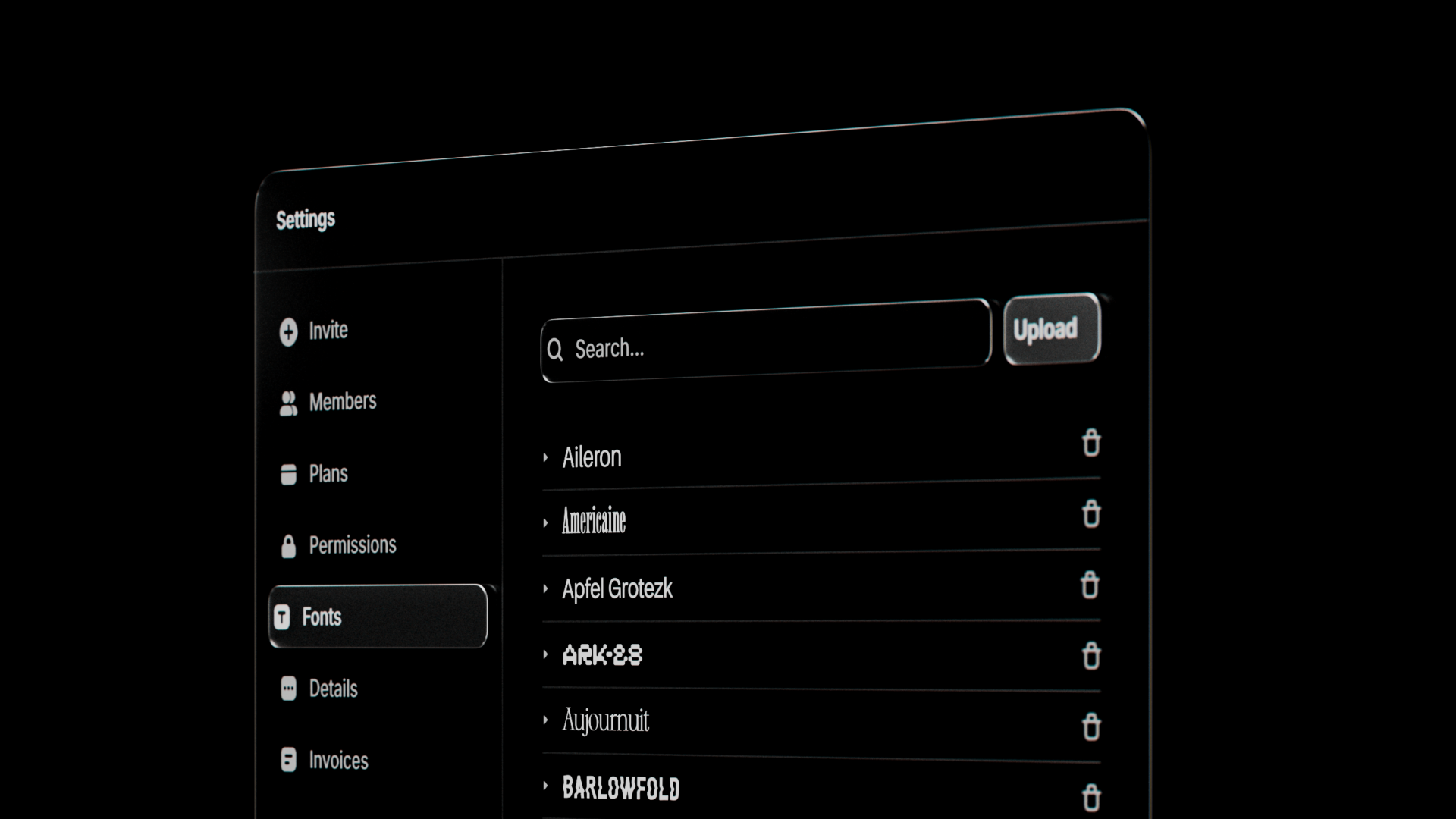
The November Update reimagines how Custom Fonts work in Framer. Now with family grouping, realtime previews, better variable property support, improved management flows, and more. All custom fonts are now grouped by family, instead of font file, making it infinitely easier to find the font you’re looking for. Plus, they now all get realtime previews, like other Web Fonts in Framer. Watch the video to learn more, and see a changelog of everything else on the update post.
|
|
|
|
|
That’s a wrap. Stay tuned for more updates coming soon and let us know what you think on X!
|
|
|
|
| | | |